Pika AI Features

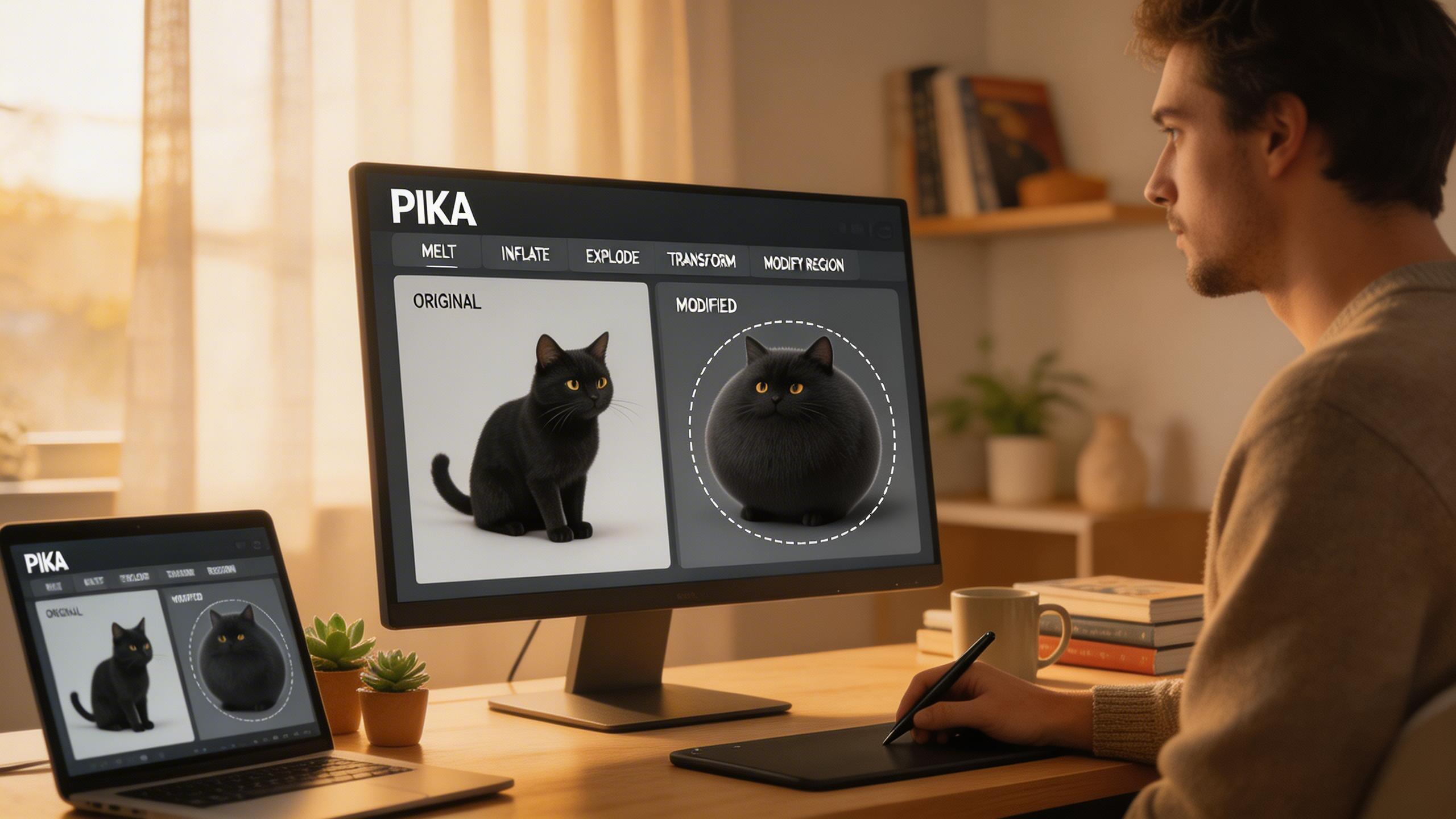
Pikaffects — Creative Special Effects
Apply stunning visual effects to your videos with Pikaffects. Transform scenes with effects like Crush It, Melt It, Inflate, Explode, Cake-ify, and more — one-click creative transformations that make your content stand out.
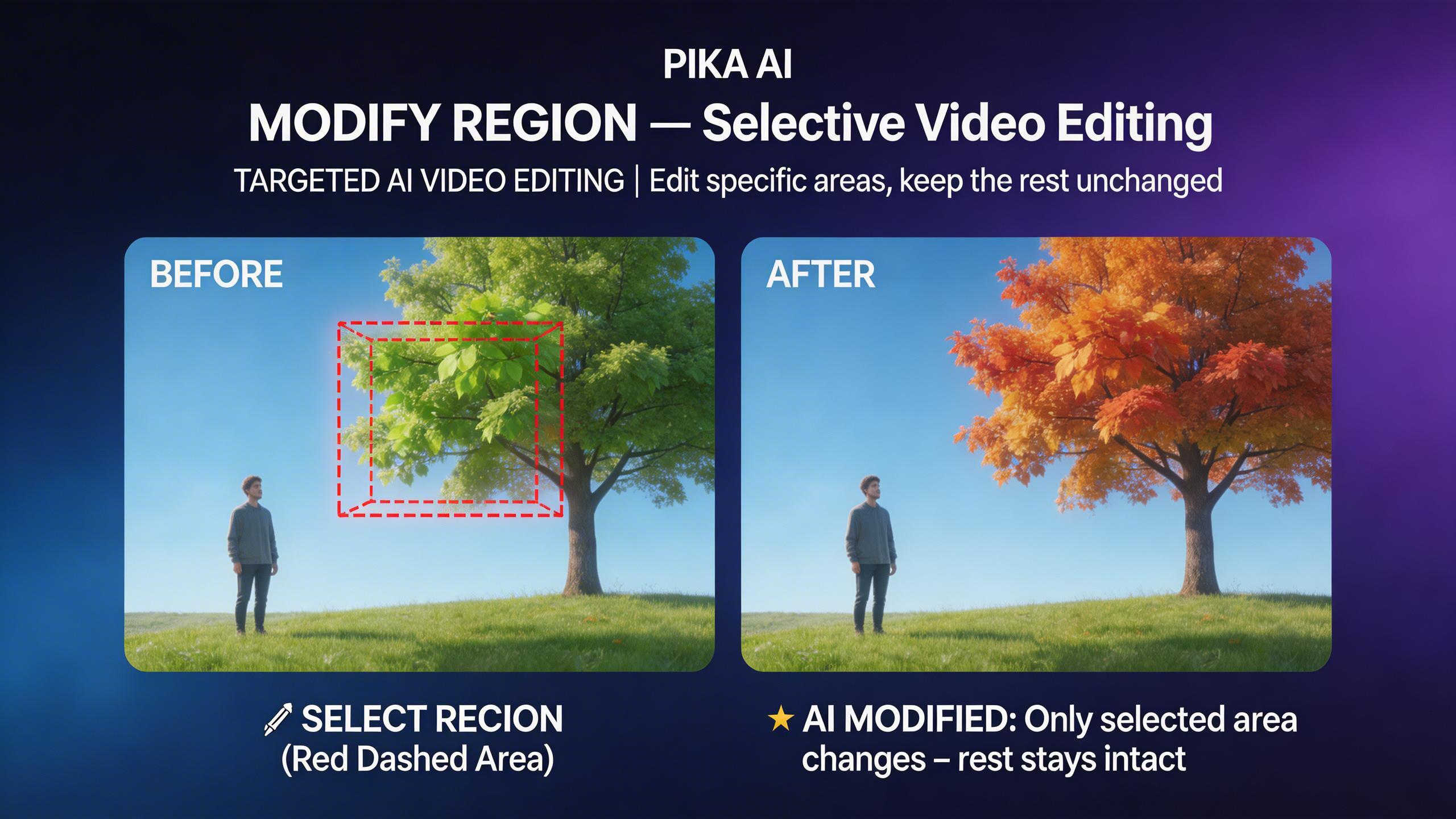
Modify Region — Selective Video Editing
Edit specific parts of your video without affecting the rest. Select a region, describe what you want to change, and Pika intelligently modifies only that area while keeping the rest of the scene intact. Precise, targeted video editing powered by AI.
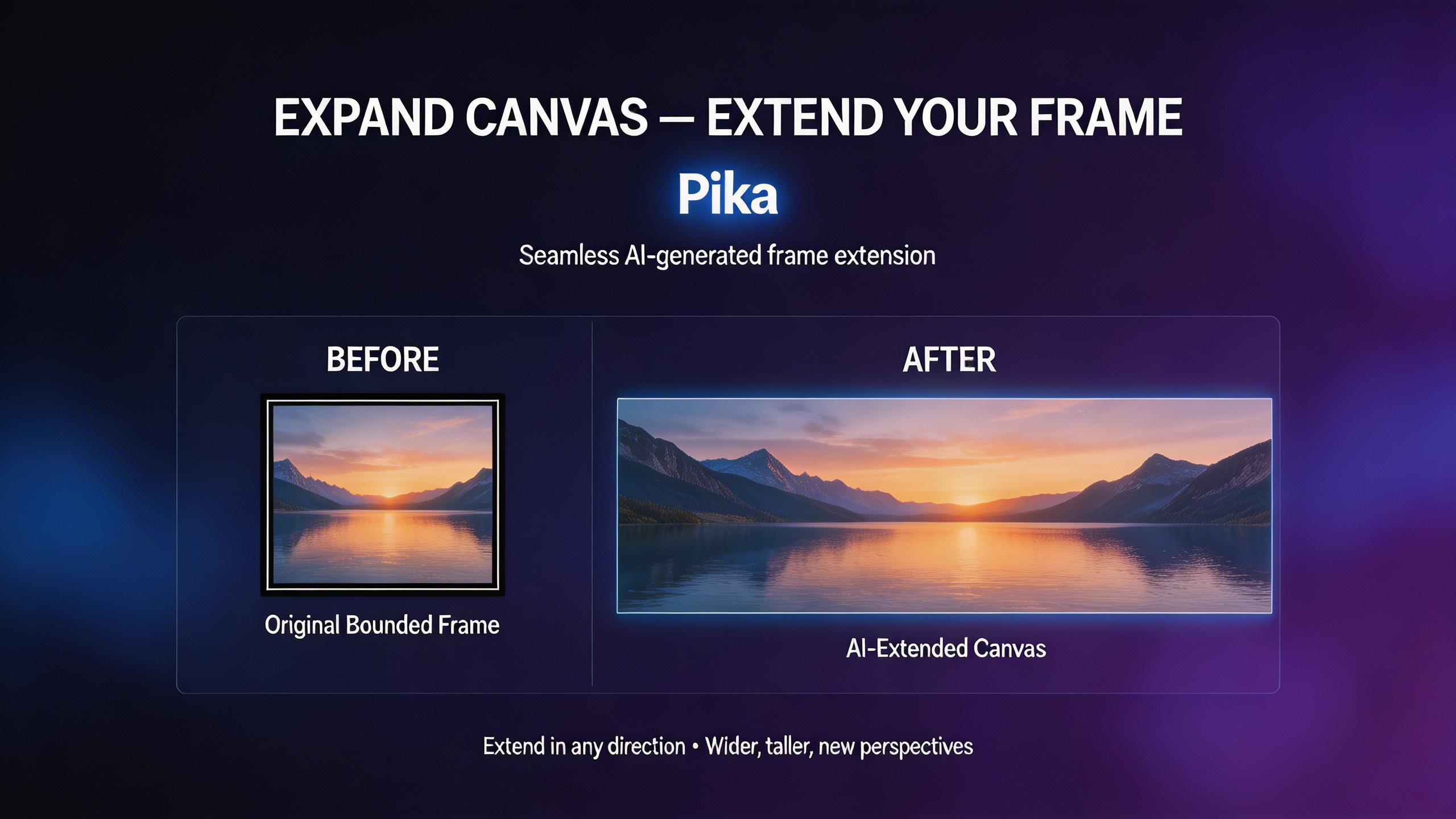
Expand Canvas — Extend Your Frame
Expand your video beyond its original boundaries. Pika intelligently generates new content to extend the canvas in any direction, creating wider shots, taller frames, or completely new perspectives from existing footage.
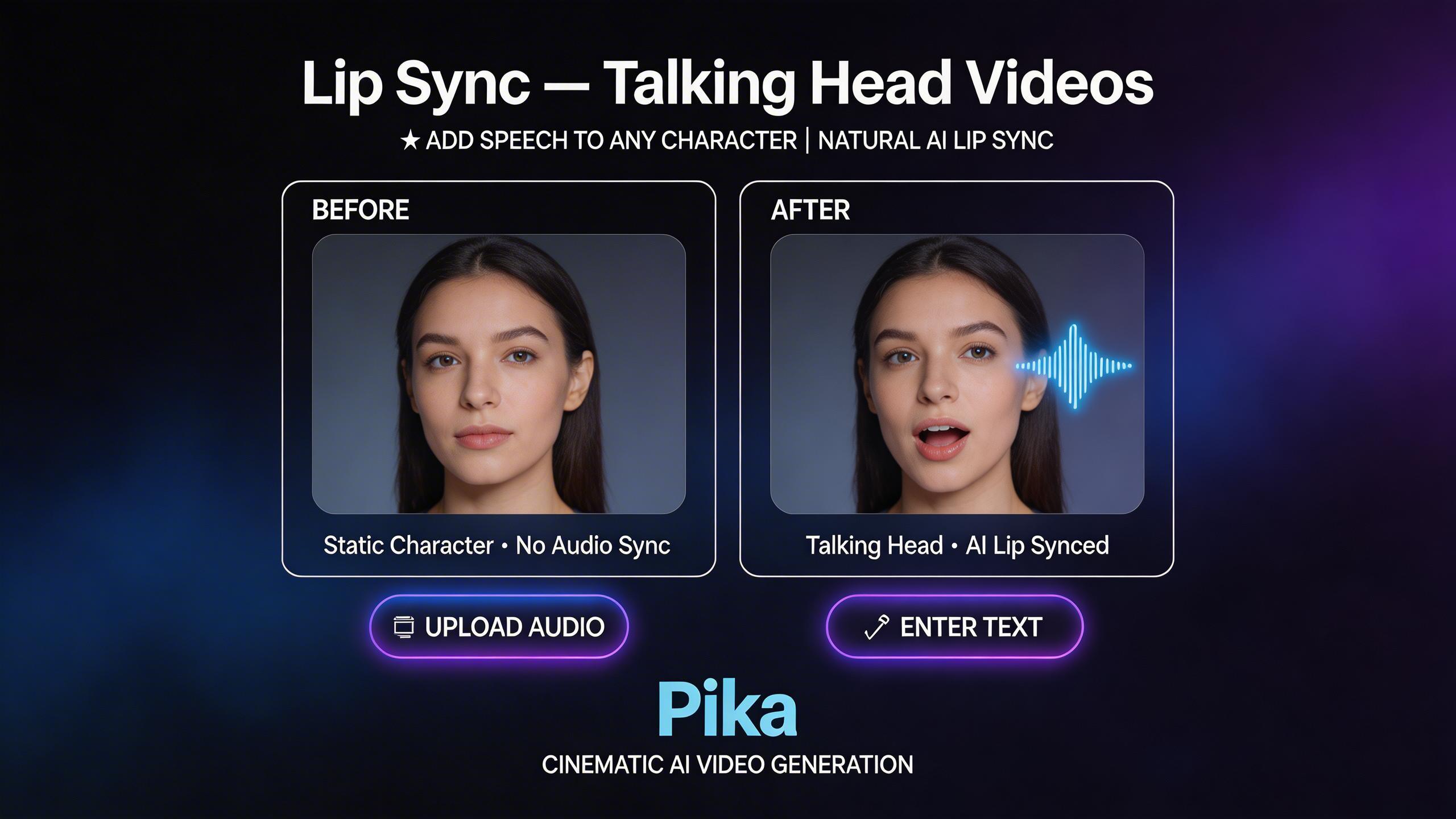
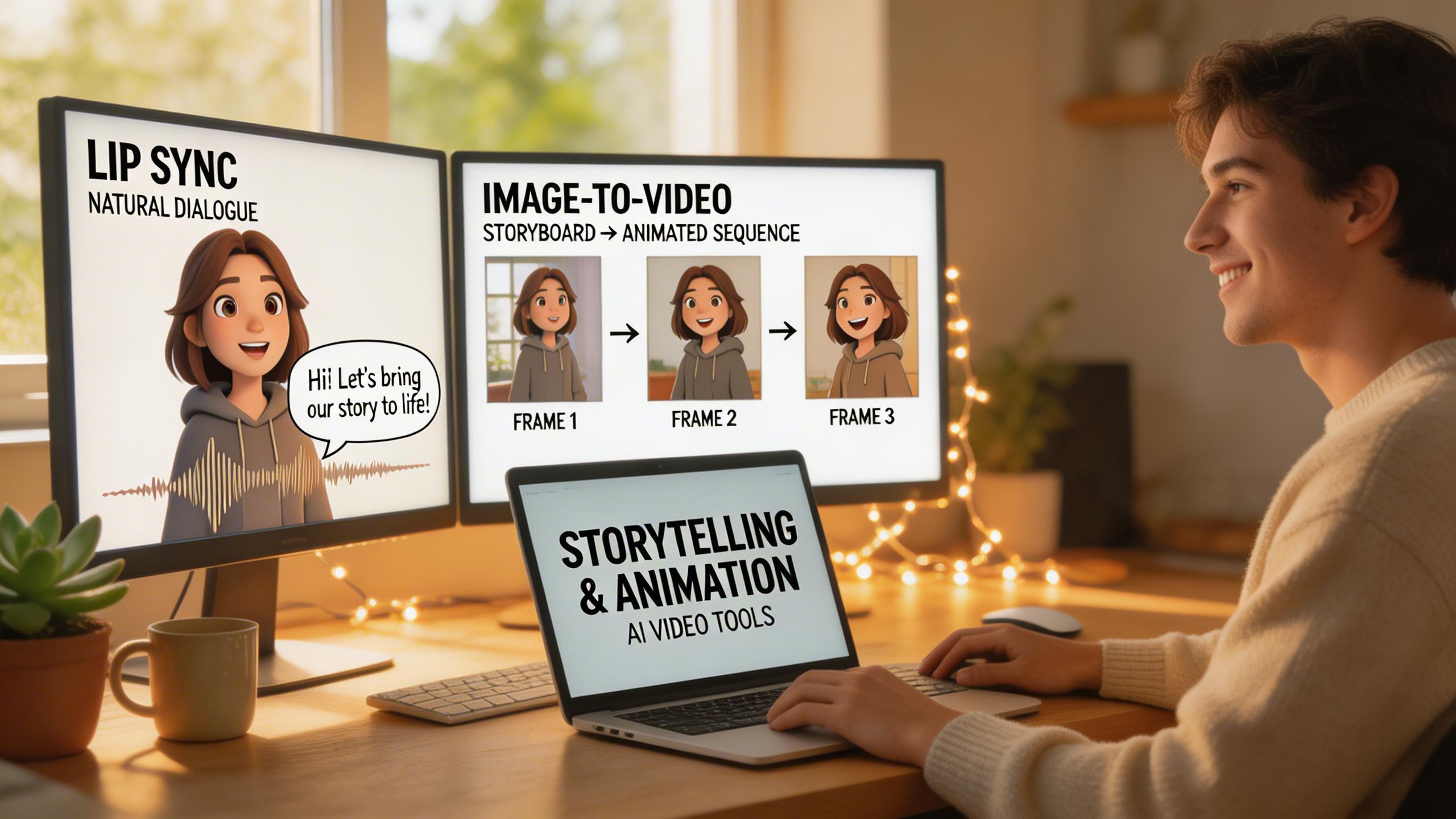
Lip Sync — Talking Head Videos
Add speech to any character with natural lip sync. Upload audio or enter text, and Pika generates realistic mouth movements synchronized to the dialogue. Create talking head videos, animated characters with speech, and dubbed content effortlessly.
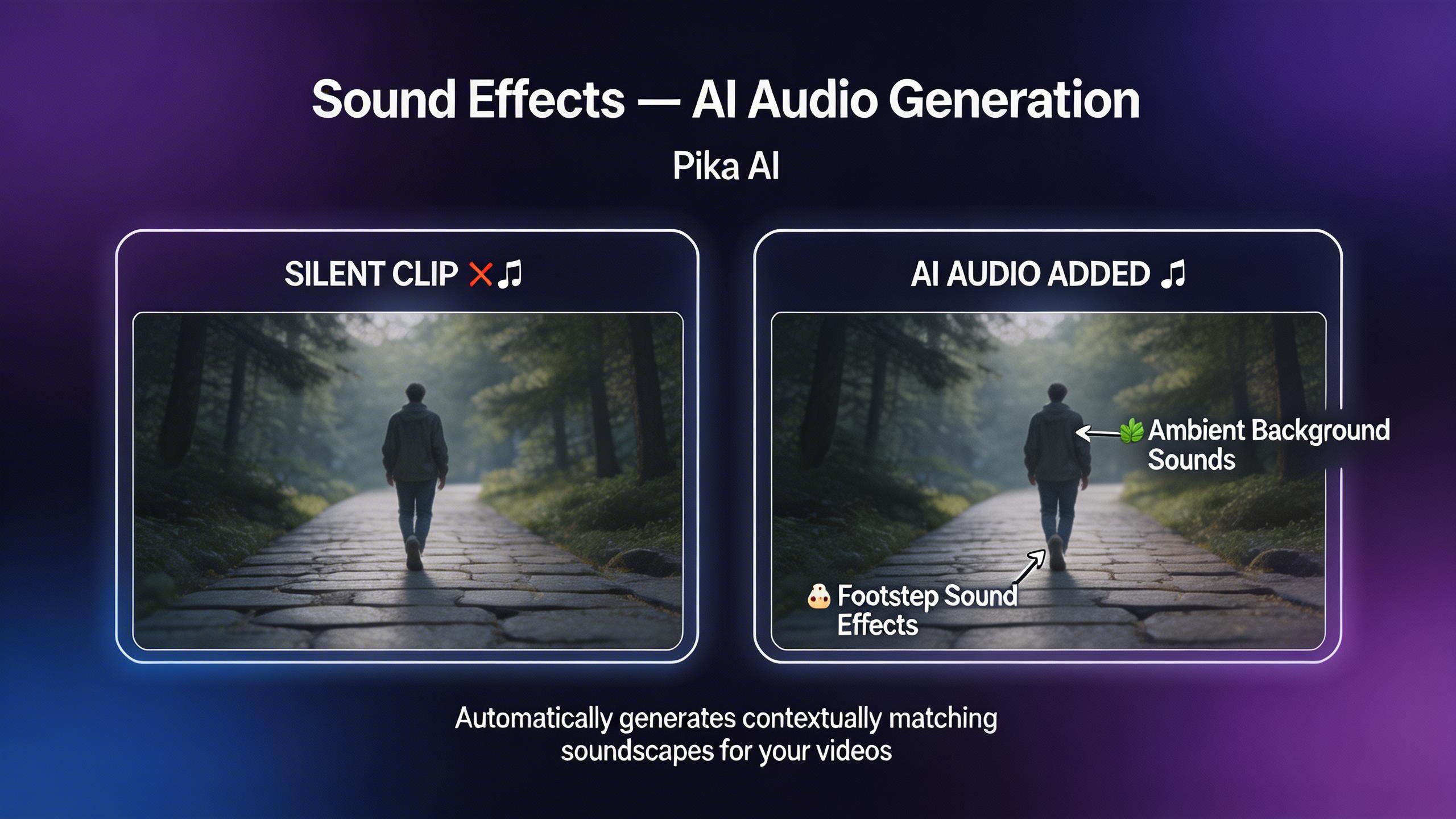
Sound Effects — AI Audio Generation
Automatically generate sound effects for your videos. Pika analyzes the visual content and adds contextually appropriate audio — footsteps, ambient sounds, impacts, and more — bringing your silent clips to life with matching soundscapes.
Pikaffects — Creative Special Effects
Apply stunning visual effects to your videos with Pikaffects. Transform scenes with effects like Crush It, Melt It, Inflate, Explode, Cake-ify, and more — one-click creative transformations that make your content stand out.
Modify Region — Selective Video Editing
Edit specific parts of your video without affecting the rest. Select a region, describe what you want to change, and Pika intelligently modifies only that area while keeping the rest of the scene intact. Precise, targeted video editing powered by AI.
Expand Canvas — Extend Your Frame
Expand your video beyond its original boundaries. Pika intelligently generates new content to extend the canvas in any direction, creating wider shots, taller frames, or completely new perspectives from existing footage.
Lip Sync — Talking Head Videos
Add speech to any character with natural lip sync. Upload audio or enter text, and Pika generates realistic mouth movements synchronized to the dialogue. Create talking head videos, animated characters with speech, and dubbed content effortlessly.
Sound Effects — AI Audio Generation
Automatically generate sound effects for your videos. Pika analyzes the visual content and adds contextually appropriate audio — footsteps, ambient sounds, impacts, and more — bringing your silent clips to life with matching soundscapes.
Pikaffects — Creative Special Effects
Apply stunning visual effects to your videos with Pikaffects. Transform scenes with effects like Crush It, Melt It, Inflate, Explode, Cake-ify, and more — one-click creative transformations that make your content stand out.
Modify Region — Selective Video Editing
Edit specific parts of your video without affecting the rest. Select a region, describe what you want to change, and Pika intelligently modifies only that area while keeping the rest of the scene intact. Precise, targeted video editing powered by AI.
Expand Canvas — Extend Your Frame
Expand your video beyond its original boundaries. Pika intelligently generates new content to extend the canvas in any direction, creating wider shots, taller frames, or completely new perspectives from existing footage.
Lip Sync — Talking Head Videos
Add speech to any character with natural lip sync. Upload audio or enter text, and Pika generates realistic mouth movements synchronized to the dialogue. Create talking head videos, animated characters with speech, and dubbed content effortlessly.
Sound Effects — AI Audio Generation
Automatically generate sound effects for your videos. Pika analyzes the visual content and adds contextually appropriate audio — footsteps, ambient sounds, impacts, and more — bringing your silent clips to life with matching soundscapes.
Try AI Video Generation
Explore our library of AI video generators including Kling AI, Wan AI, and more. Create stunning videos from text or images — get started free today.