PixVerse AI Features

Cinematic V5 Engine
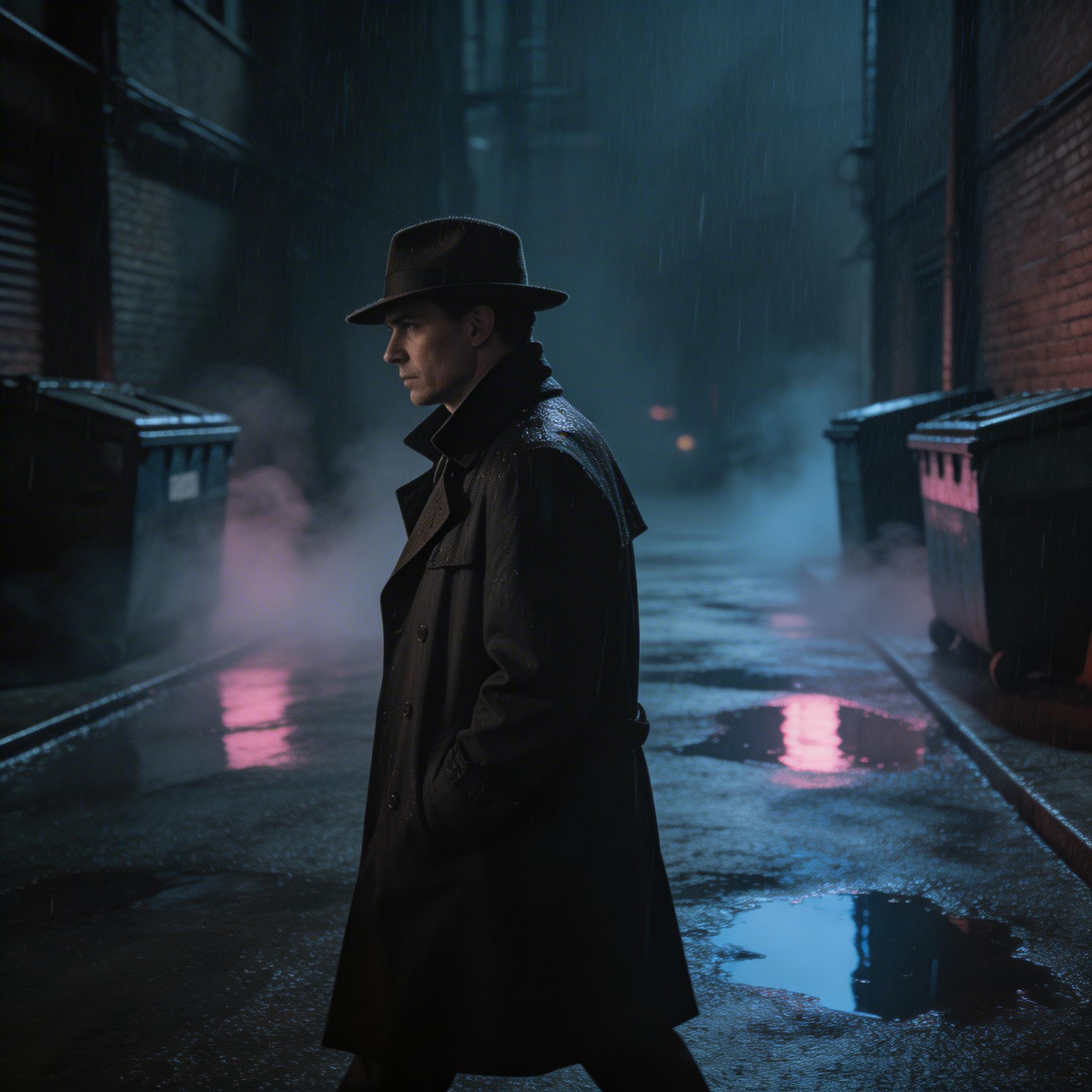
PixVerse V5 delivers Hollywood-grade video quality with physically accurate motion, cinematic color grading, and smooth frame-to-frame coherence. Generate up to 8 seconds of stunning footage from a single prompt.
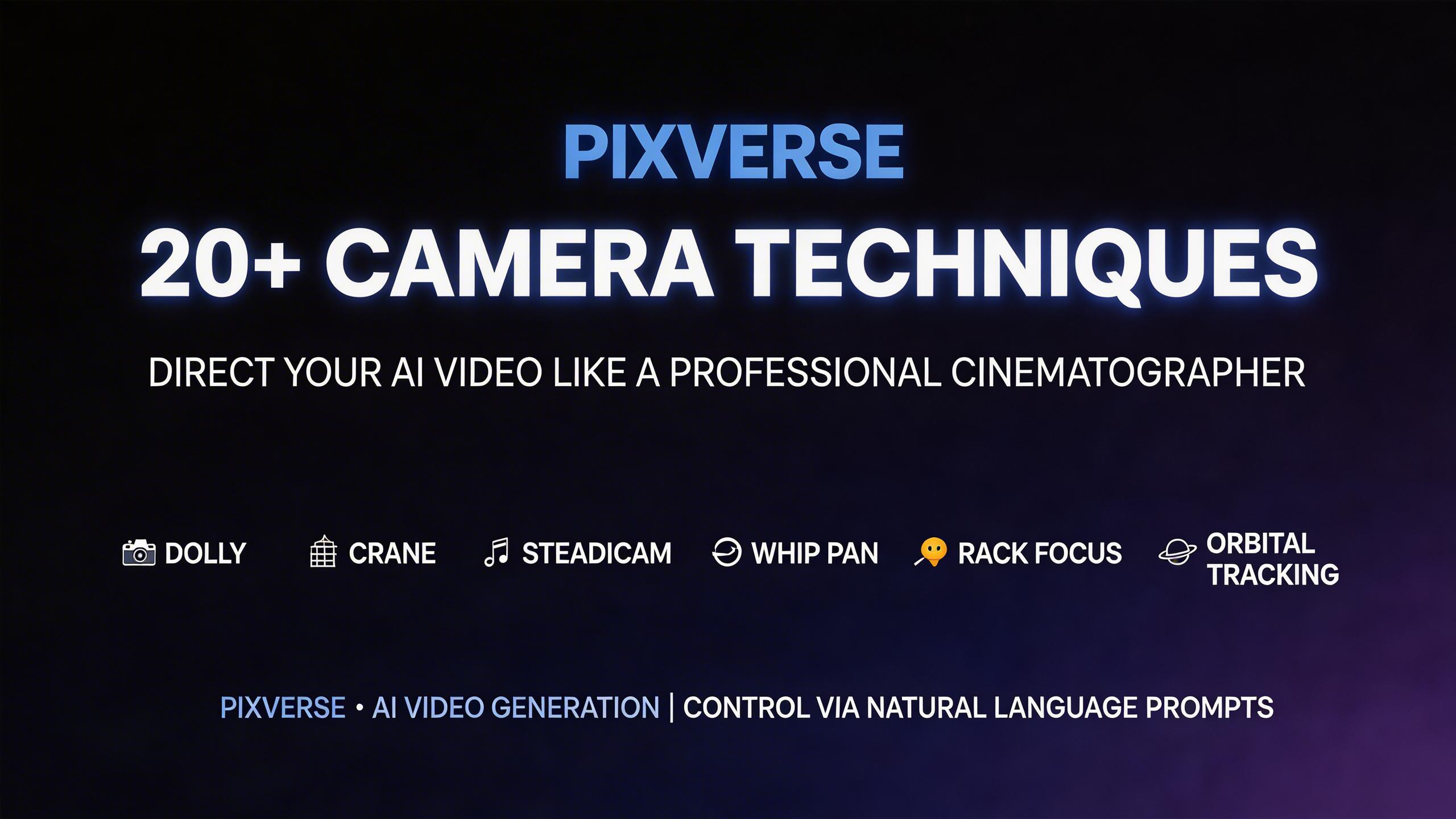
20+ Camera Techniques
Direct your AI video like a professional cinematographer. PixVerse supports over 20 camera movements including dolly, crane, steadicam, whip pan, rack focus, and orbital tracking — all specified through natural language prompts.
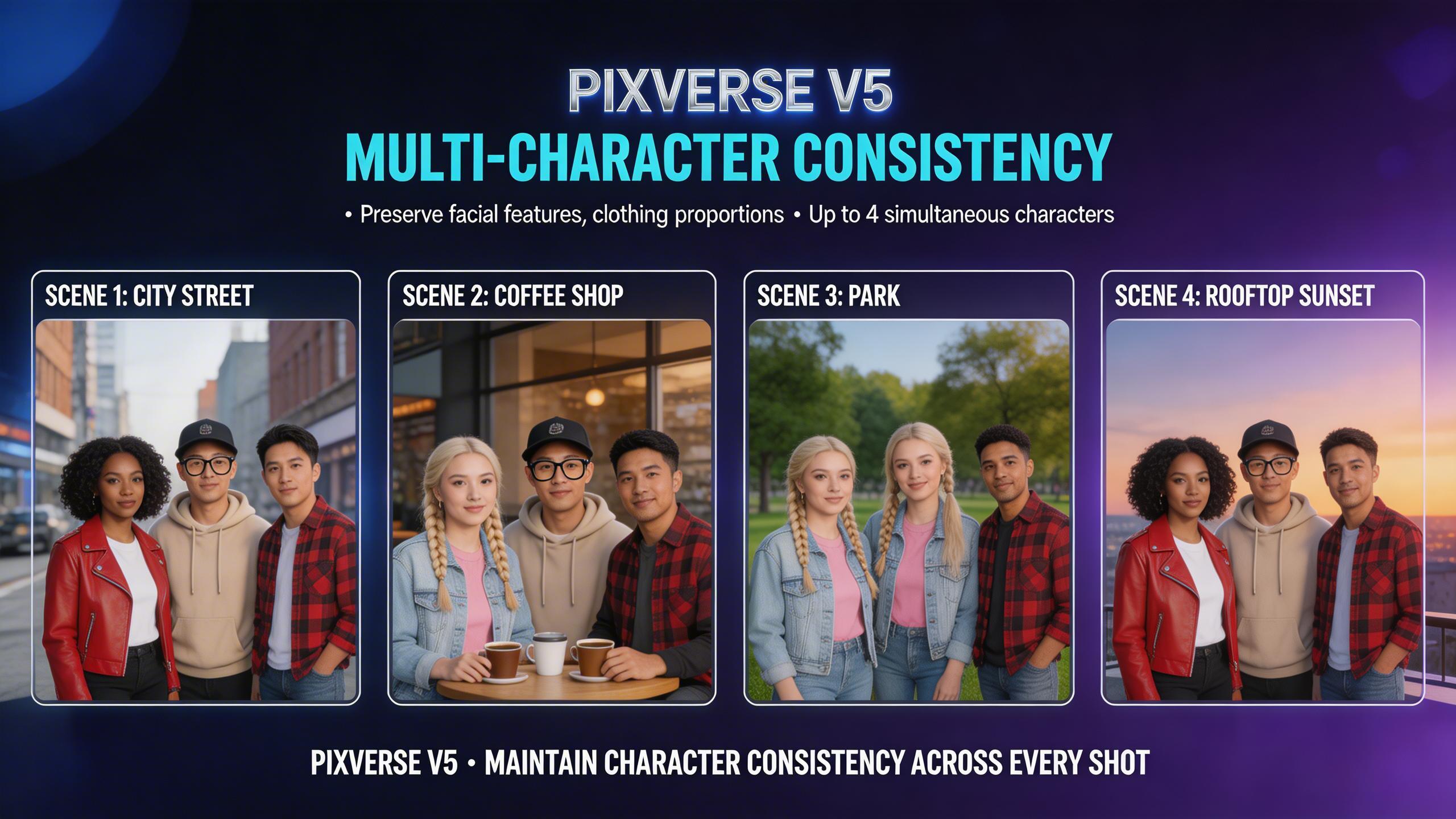
Multi-Character Consistency
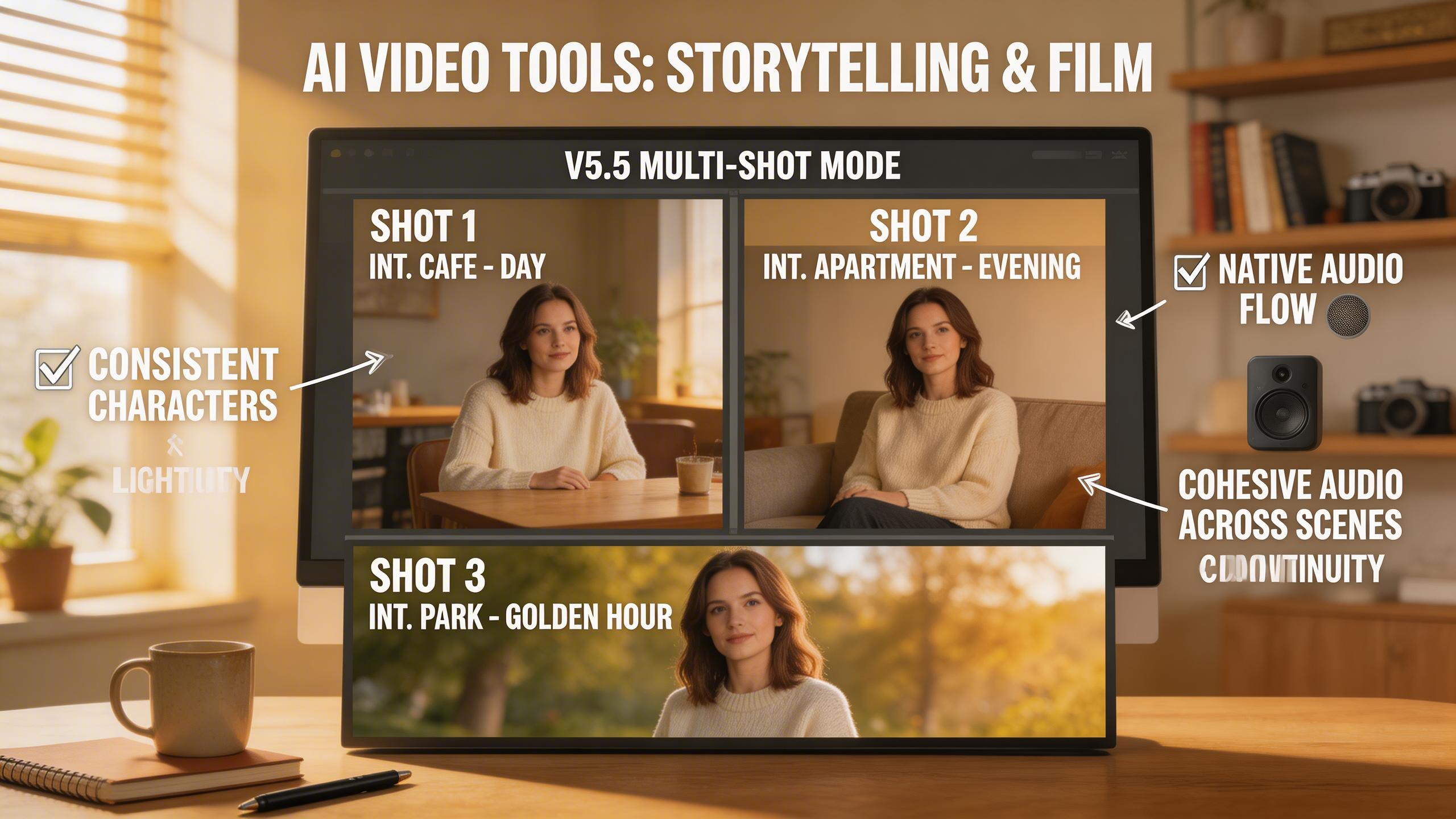
Maintain consistent character identity across multiple scenes and shots. PixVerse V5 preserves facial features, clothing, and body proportions for up to 4 characters simultaneously in complex multi-person scenarios.
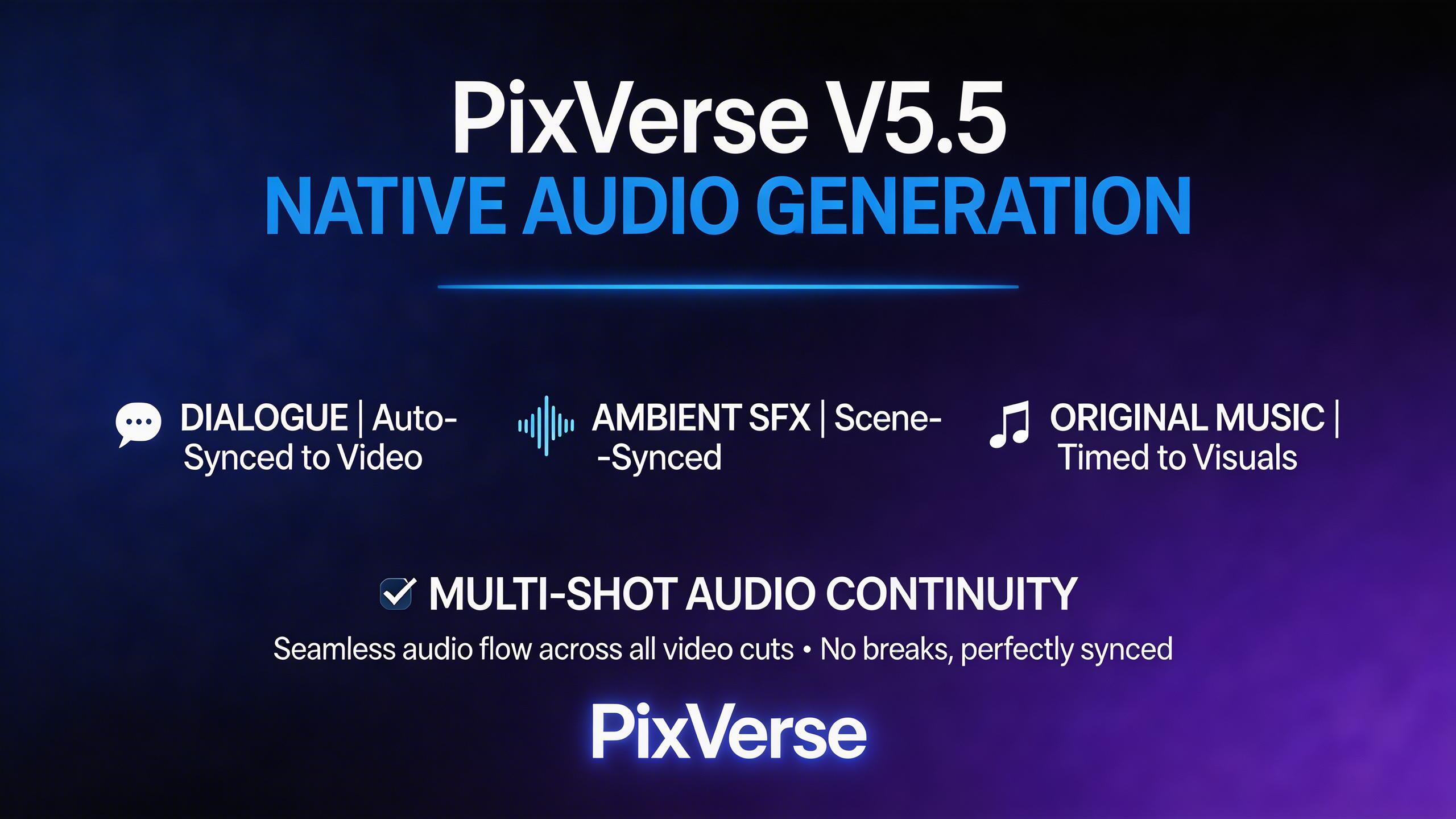
Native Audio Generation
PixVerse V5.5 introduced native audio-visual generation — dialogue, ambient sound, music, and sound effects are synthesized automatically in sync with the video. Multi-shot mode preserves audio continuity across cuts.
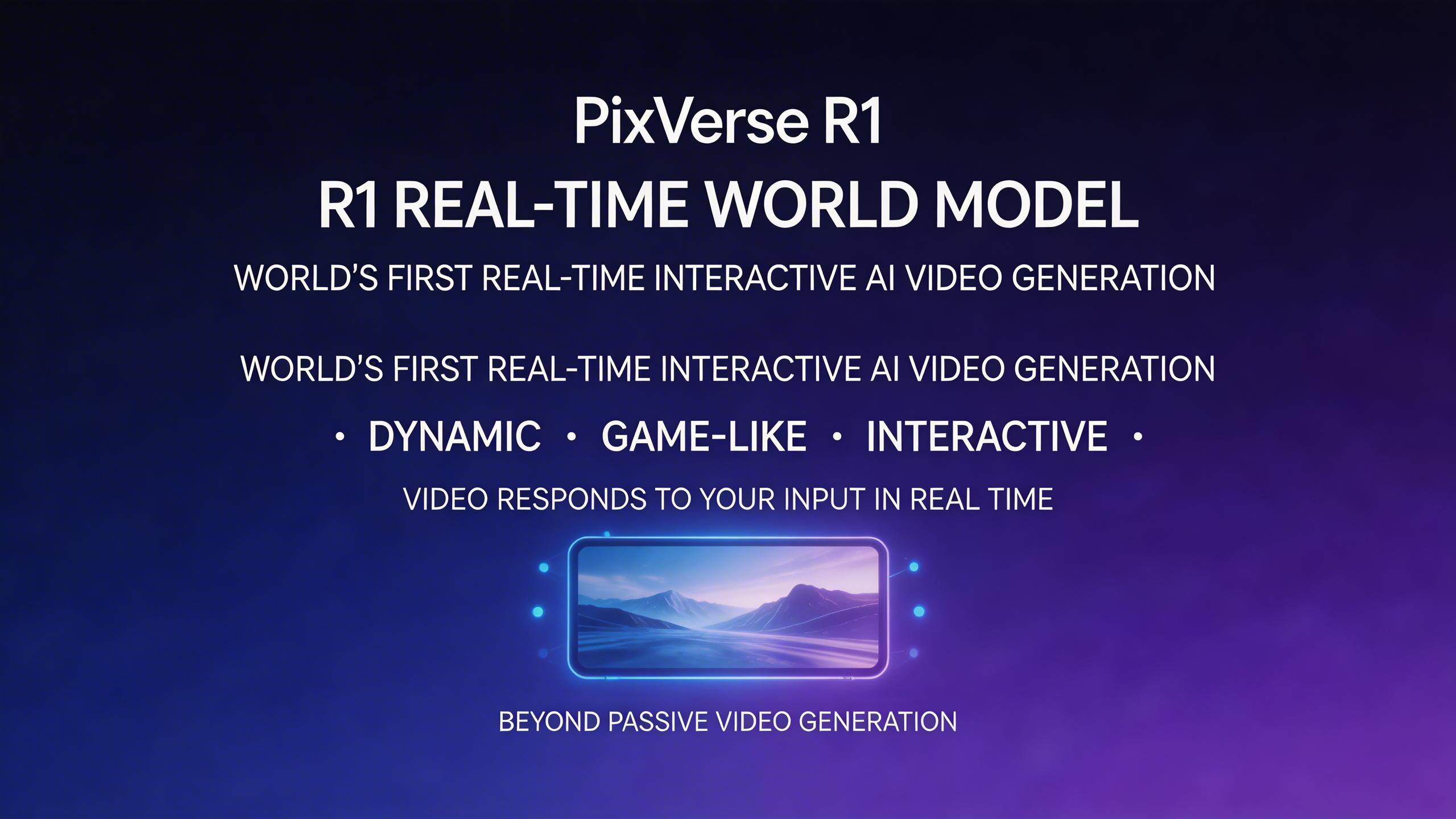
R1 Real-Time World Model
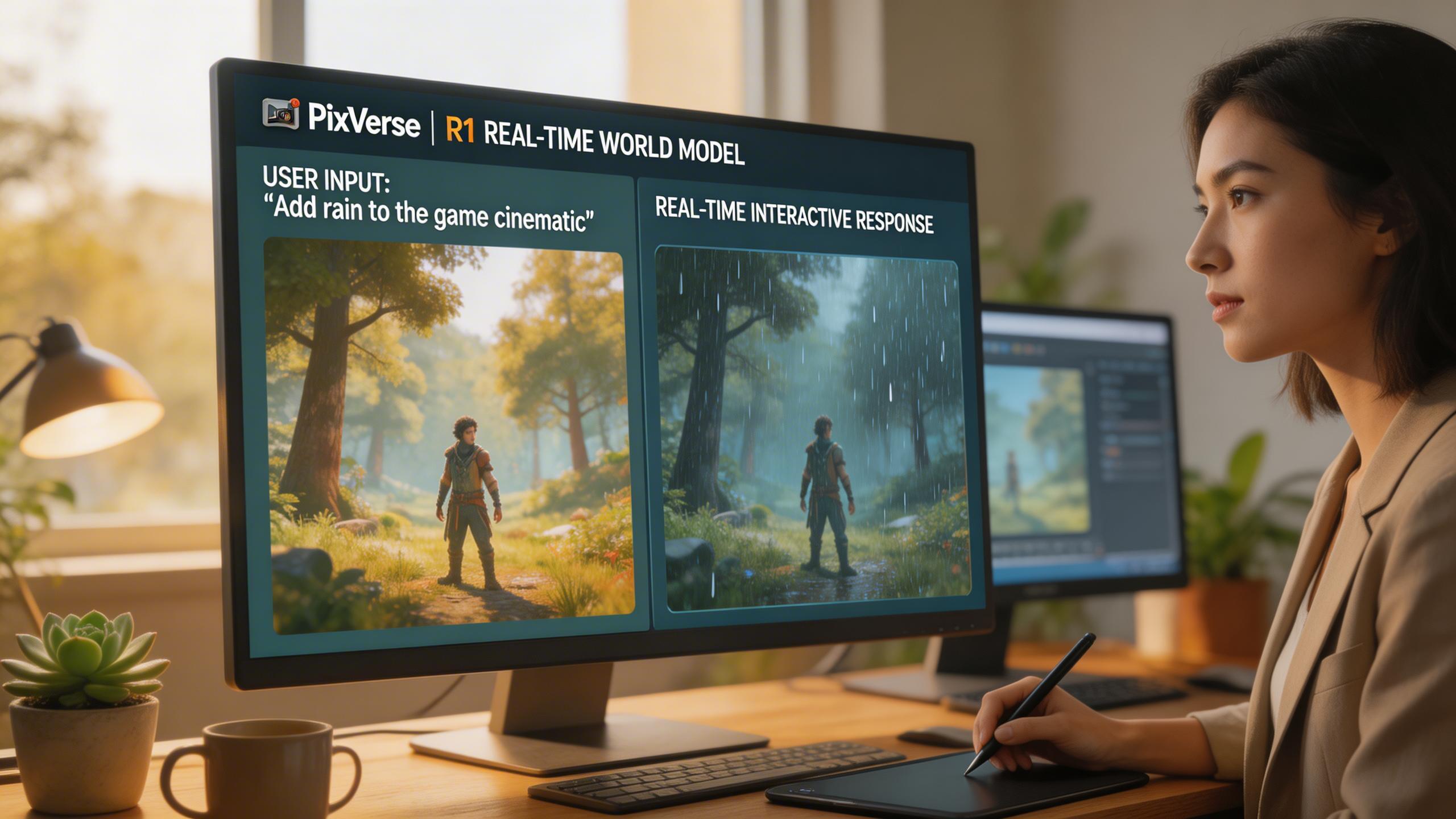
PixVerse R1 is the world's first real-time interactive video generation model. It enables dynamic, game-like experiences where the video responds to user input in real time — unlocking a new paradigm beyond passive video generation.
Cinematic V5 Engine
PixVerse V5 delivers Hollywood-grade video quality with physically accurate motion, cinematic color grading, and smooth frame-to-frame coherence. Generate up to 8 seconds of stunning footage from a single prompt.
20+ Camera Techniques
Direct your AI video like a professional cinematographer. PixVerse supports over 20 camera movements including dolly, crane, steadicam, whip pan, rack focus, and orbital tracking — all specified through natural language prompts.
Multi-Character Consistency
Maintain consistent character identity across multiple scenes and shots. PixVerse V5 preserves facial features, clothing, and body proportions for up to 4 characters simultaneously in complex multi-person scenarios.
Native Audio Generation
PixVerse V5.5 introduced native audio-visual generation — dialogue, ambient sound, music, and sound effects are synthesized automatically in sync with the video. Multi-shot mode preserves audio continuity across cuts.
R1 Real-Time World Model
PixVerse R1 is the world's first real-time interactive video generation model. It enables dynamic, game-like experiences where the video responds to user input in real time — unlocking a new paradigm beyond passive video generation.
Cinematic V5 Engine
PixVerse V5 delivers Hollywood-grade video quality with physically accurate motion, cinematic color grading, and smooth frame-to-frame coherence. Generate up to 8 seconds of stunning footage from a single prompt.
20+ Camera Techniques
Direct your AI video like a professional cinematographer. PixVerse supports over 20 camera movements including dolly, crane, steadicam, whip pan, rack focus, and orbital tracking — all specified through natural language prompts.
Multi-Character Consistency
Maintain consistent character identity across multiple scenes and shots. PixVerse V5 preserves facial features, clothing, and body proportions for up to 4 characters simultaneously in complex multi-person scenarios.
Native Audio Generation
PixVerse V5.5 introduced native audio-visual generation — dialogue, ambient sound, music, and sound effects are synthesized automatically in sync with the video. Multi-shot mode preserves audio continuity across cuts.
R1 Real-Time World Model
PixVerse R1 is the world's first real-time interactive video generation model. It enables dynamic, game-like experiences where the video responds to user input in real time — unlocking a new paradigm beyond passive video generation.