Halloween 2026
AI Halloween Costume and Video Generator
Turn one photo into an original Halloween look, then animate it in a short video. Each preset opens the live generator with a tested prompt.
Start with a costume portrait, edit an existing photo, make a pet or couple image, or copy a prompt. The pages are built to create something, not just to browse.
How to use this look
- 01
Upload your photo
Use a clear, front-facing photo you have permission to use. Leave room around the face and keep the original colors visible.
- 02
Start from the preset
The button opens the generator with this style and prompt already selected. You can edit either one before generating.
- 03
Generate, inspect, refine
Start with one image or a short video. Check the face, hands, clothing and background, then change only the part that needs work.
Costume and portrait edits
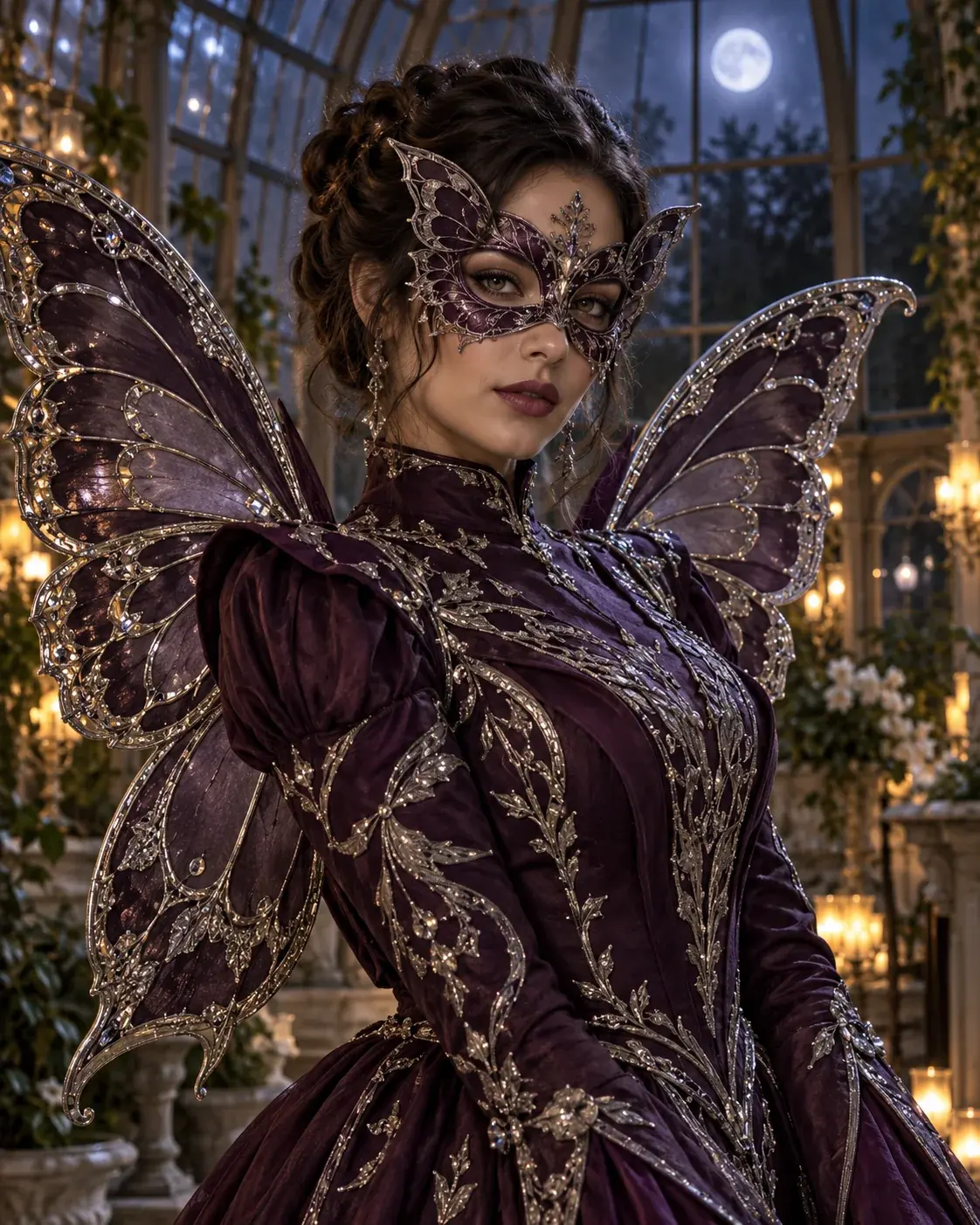
Image edit
AI Halloween Costume Generator
Upload a selfie and create an original costume portrait, while keeping the face recognizable and the outfit believable.
Best for: Selfie costume previews
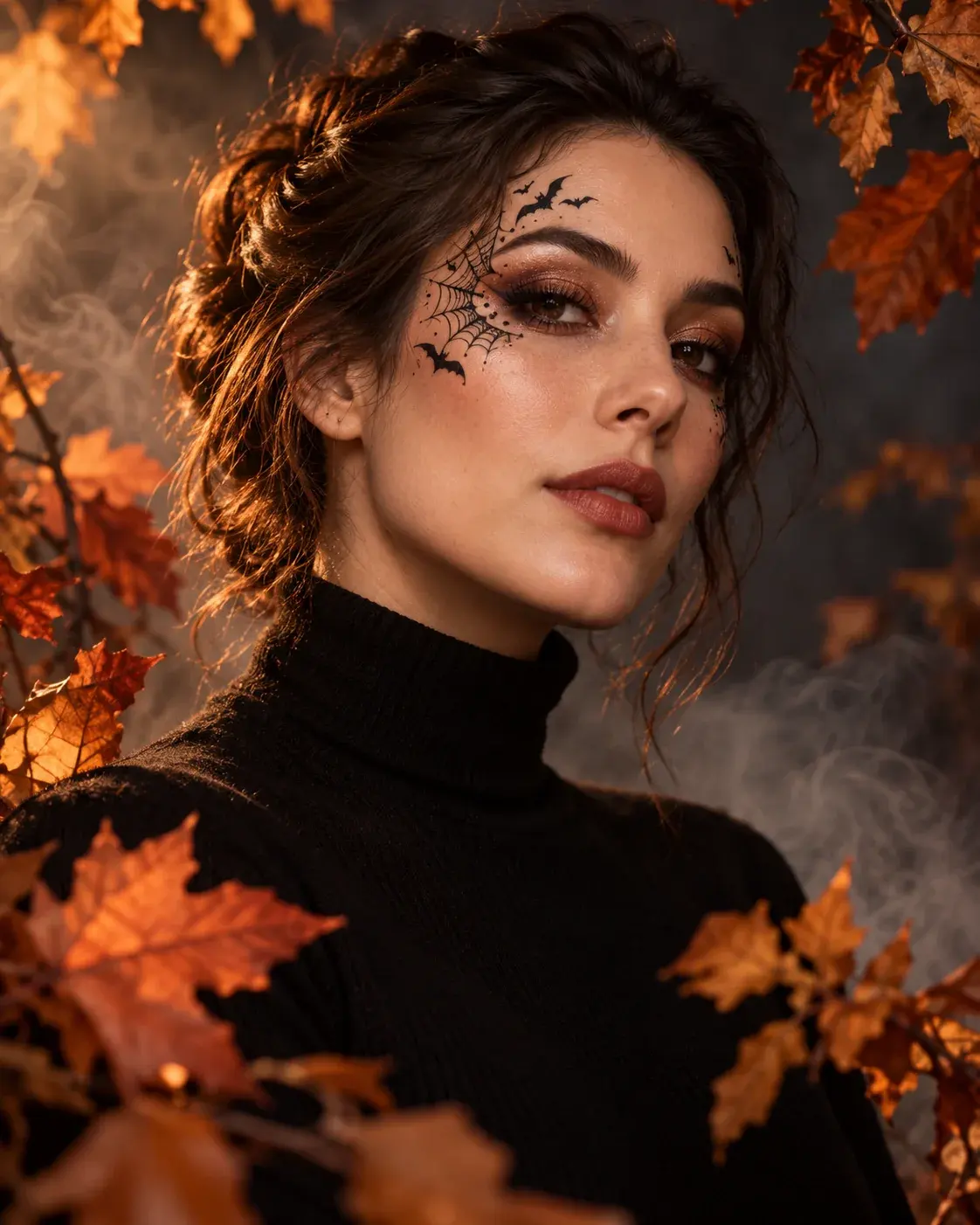
Image edit
Halloween Photo Editor
Add polished Halloween makeup, atmosphere and lighting to an existing portrait without changing the person you uploaded.
Best for: Portrait edits
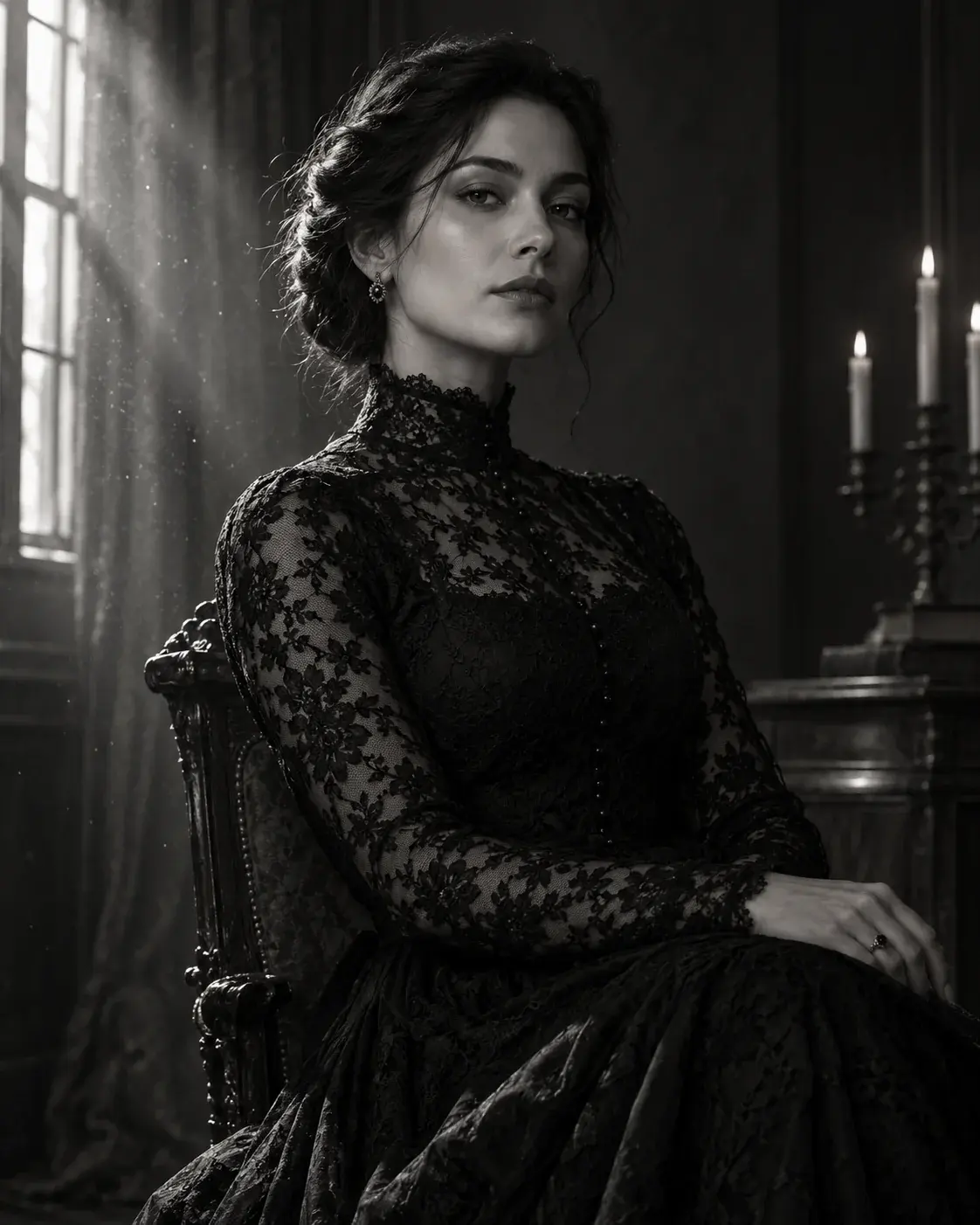
Image edit
Haunted Portrait Generator
Create a cinematic gothic portrait with soft fog, antique styling and dramatic light while preserving the subject.
Best for: Cinematic portraits
Trend-inspired looks
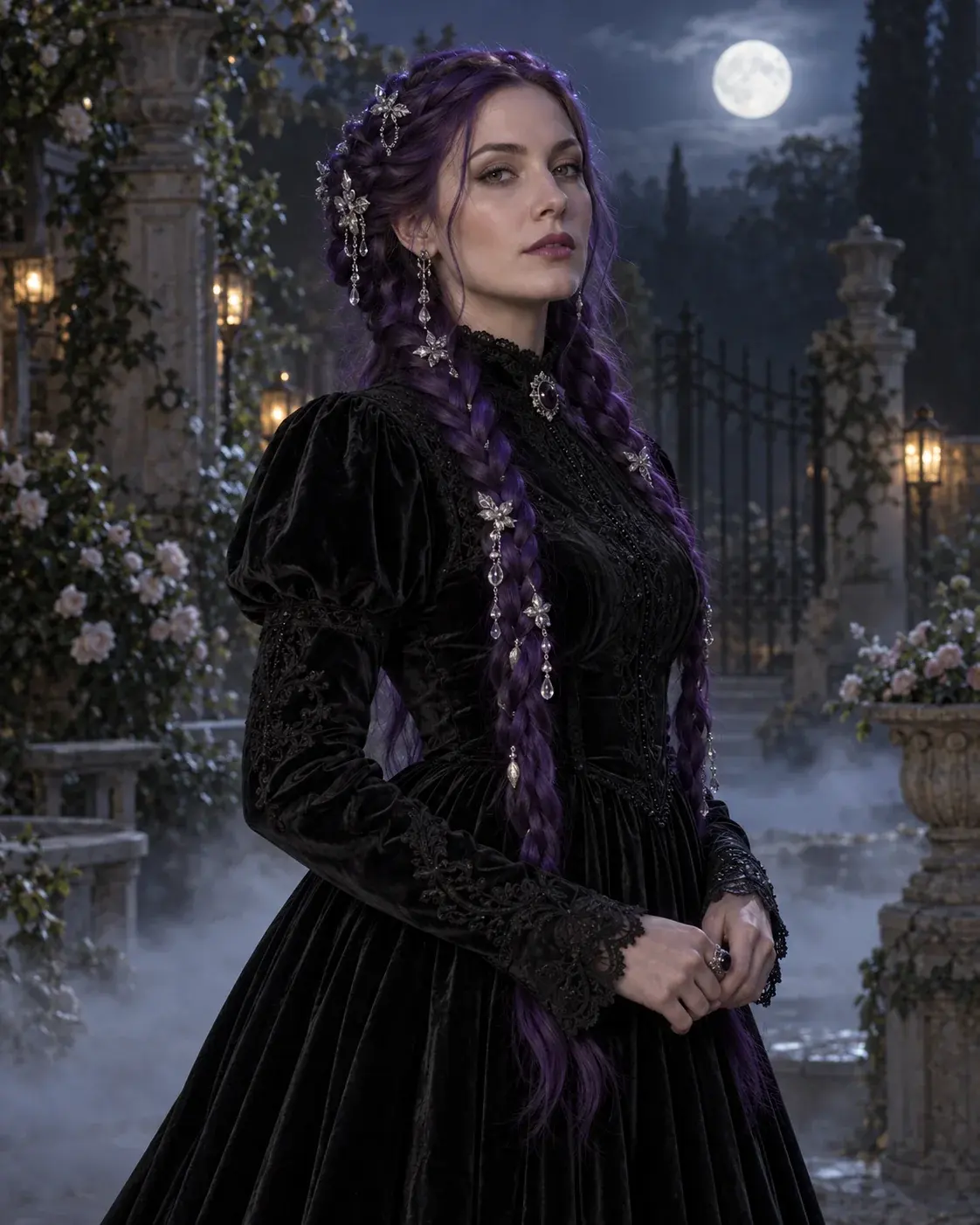
Image edit
Midnight Braids AI Generator
Transform a portrait with long violet braids, dark velvet fashion and a misty Victorian garden scene.
Best for: Gothic beauty edits
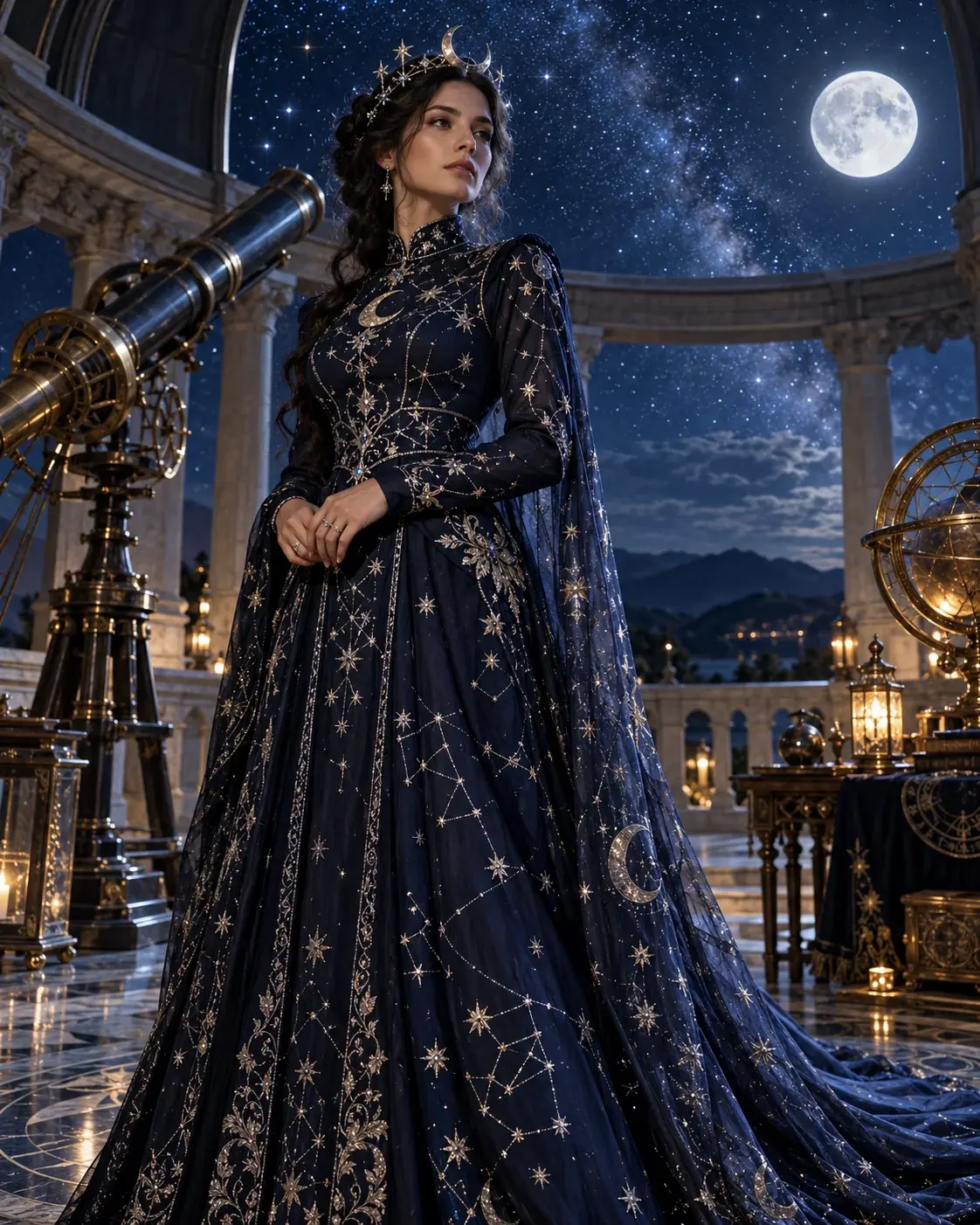
Image edit
Cosmic Princess AI Generator
Create an original celestial princess portrait with a midnight-blue gown, a moon crown and a starry observatory.
Best for: Fantasy costume portraits
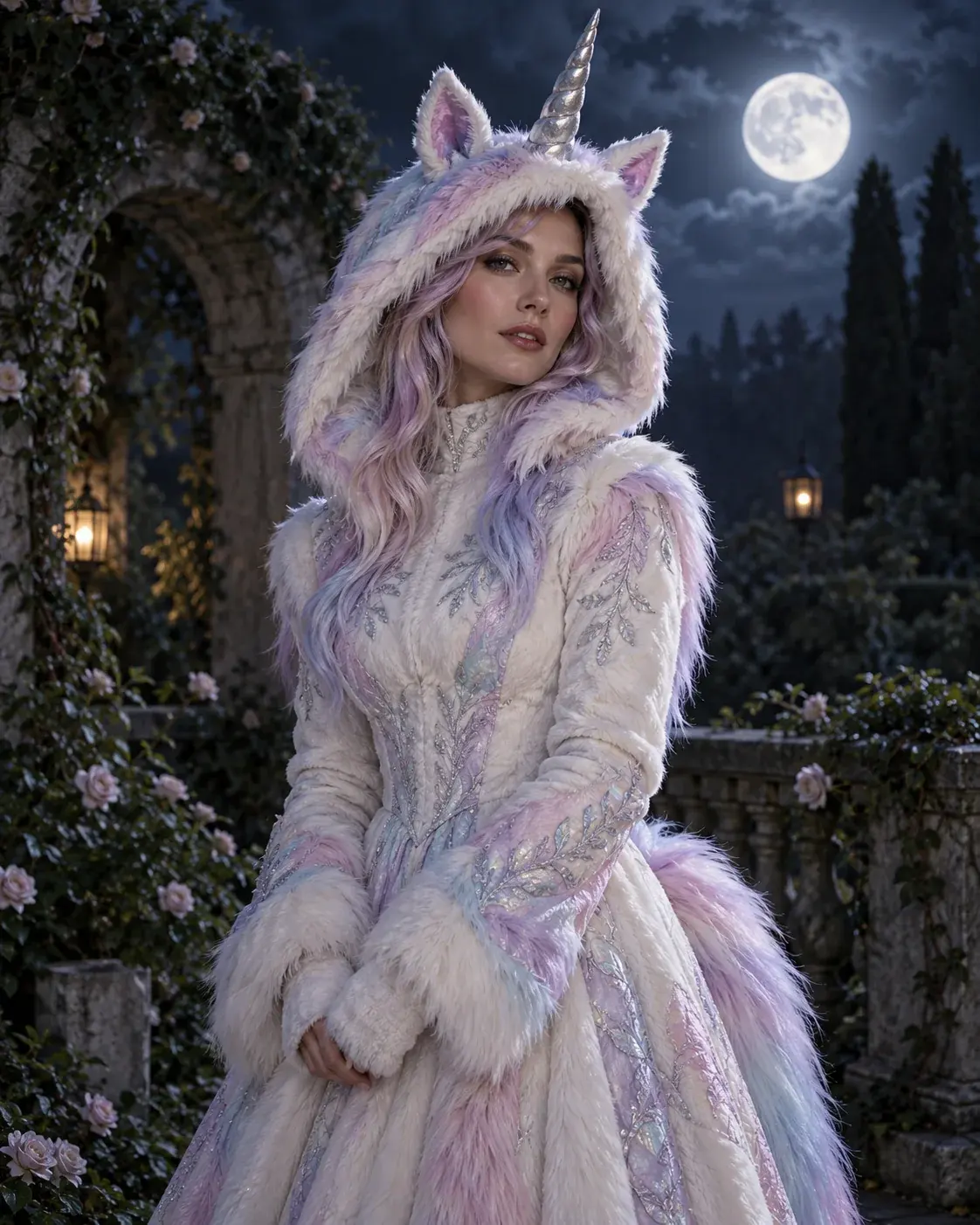
Image edit
Buddy the Unicorn Costume Generator
Make an original haunted-unicorn mascot look from a selfie, with pastel fur, a silver horn and a moonlit garden.
Best for: Trend-inspired costume previews
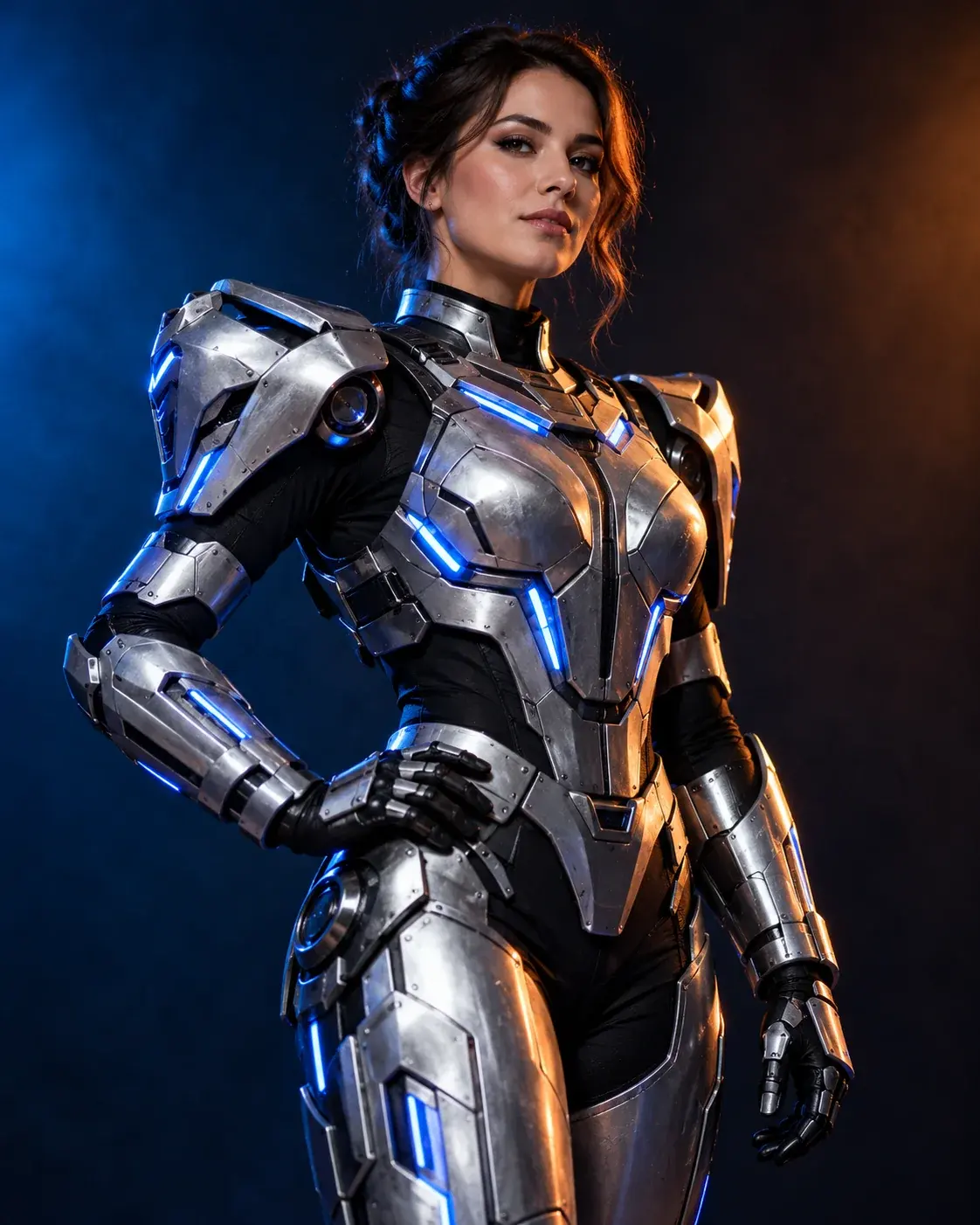
Image edit
Halloween Robot Costume Generator
Preview a wearable silver robot costume with LED accents and cinematic studio light while keeping the human face visible.
Best for: Sci-fi costume edits
Pets and couples
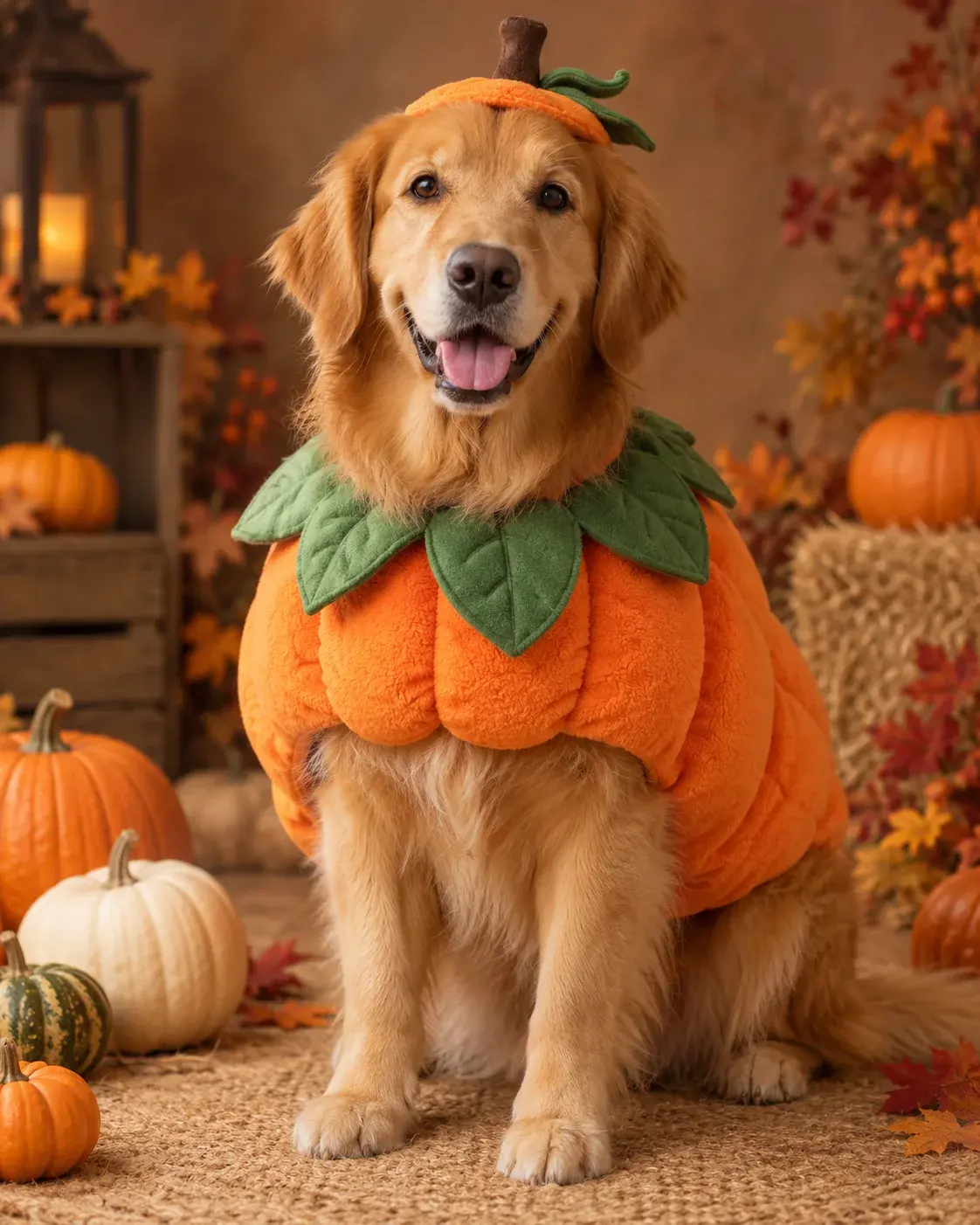
Image edit
Pumpkin Pet Costume Generator
Dress a pet in a soft pumpkin costume while keeping the breed, fur markings, eyes and natural anatomy intact.
Best for: Pet portraits
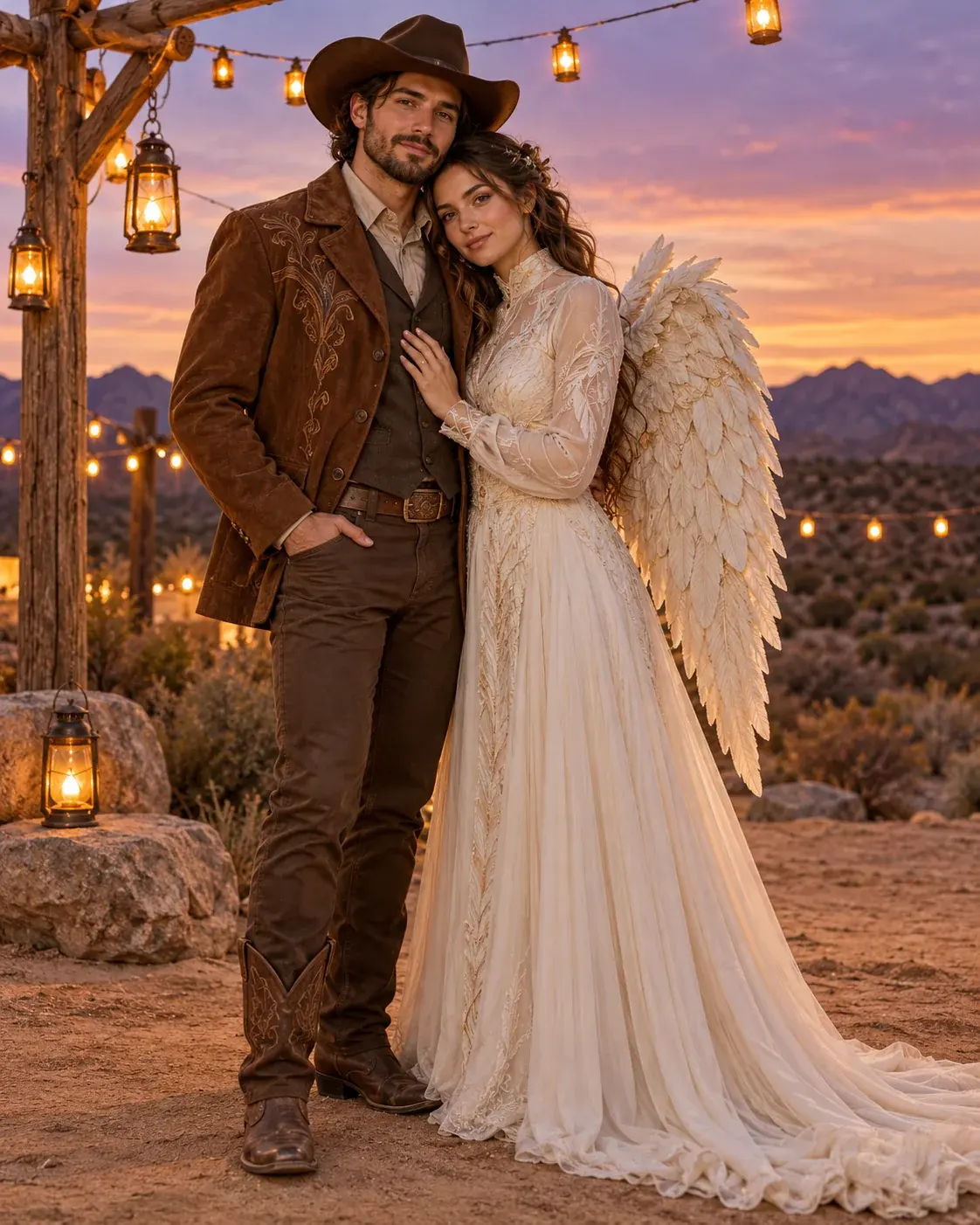
Image edit
Halloween Couple Costume Generator
Upload two photos and create a coordinated costume portrait that keeps both faces stable and avoids adding a third person.
Best for: Two-person looks
Video and prompt tools
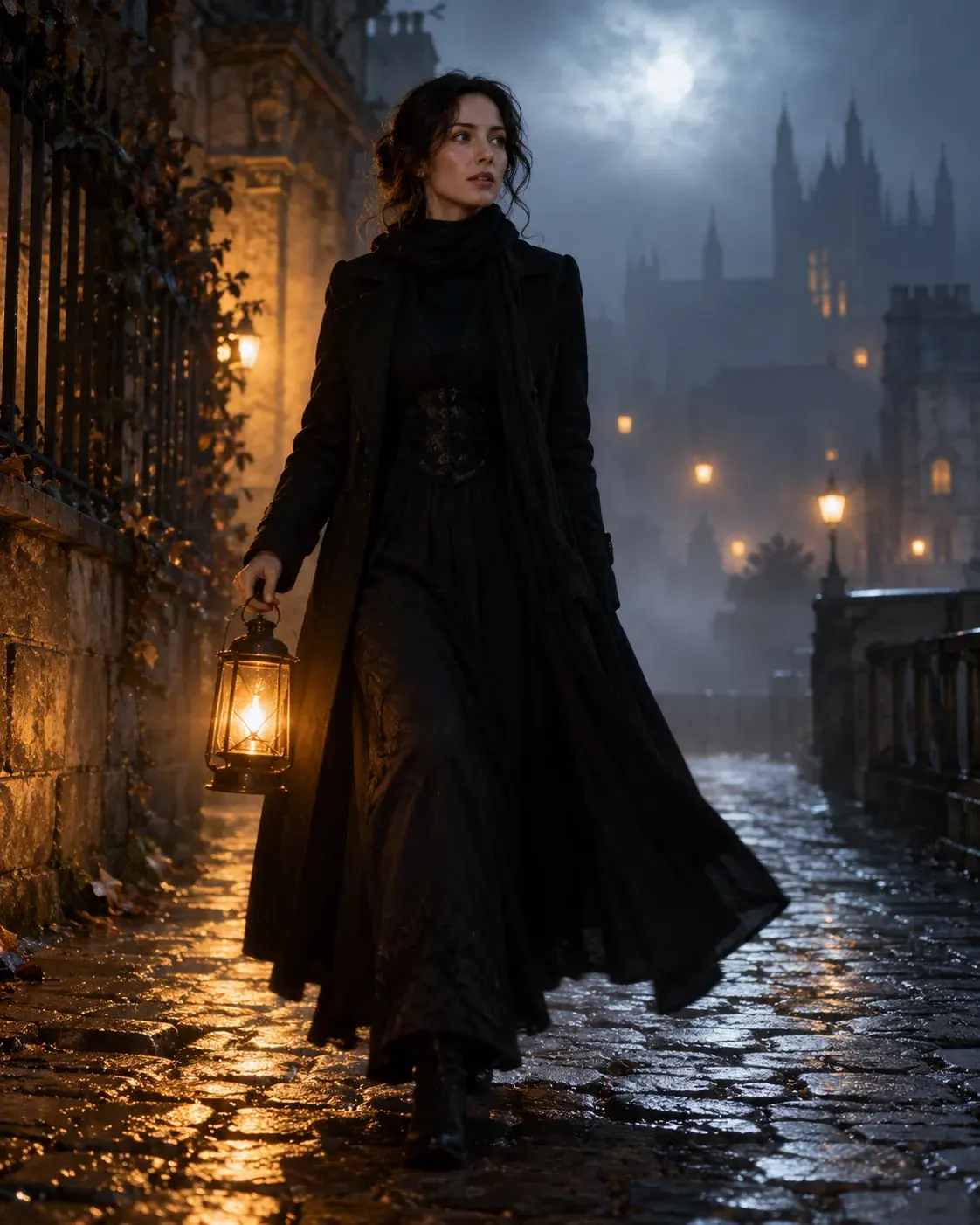
Image to video
Halloween AI Video Generator
Animate a Halloween portrait or describe a spooky scene for a short social video with controlled camera motion.
Best for: Short social clips
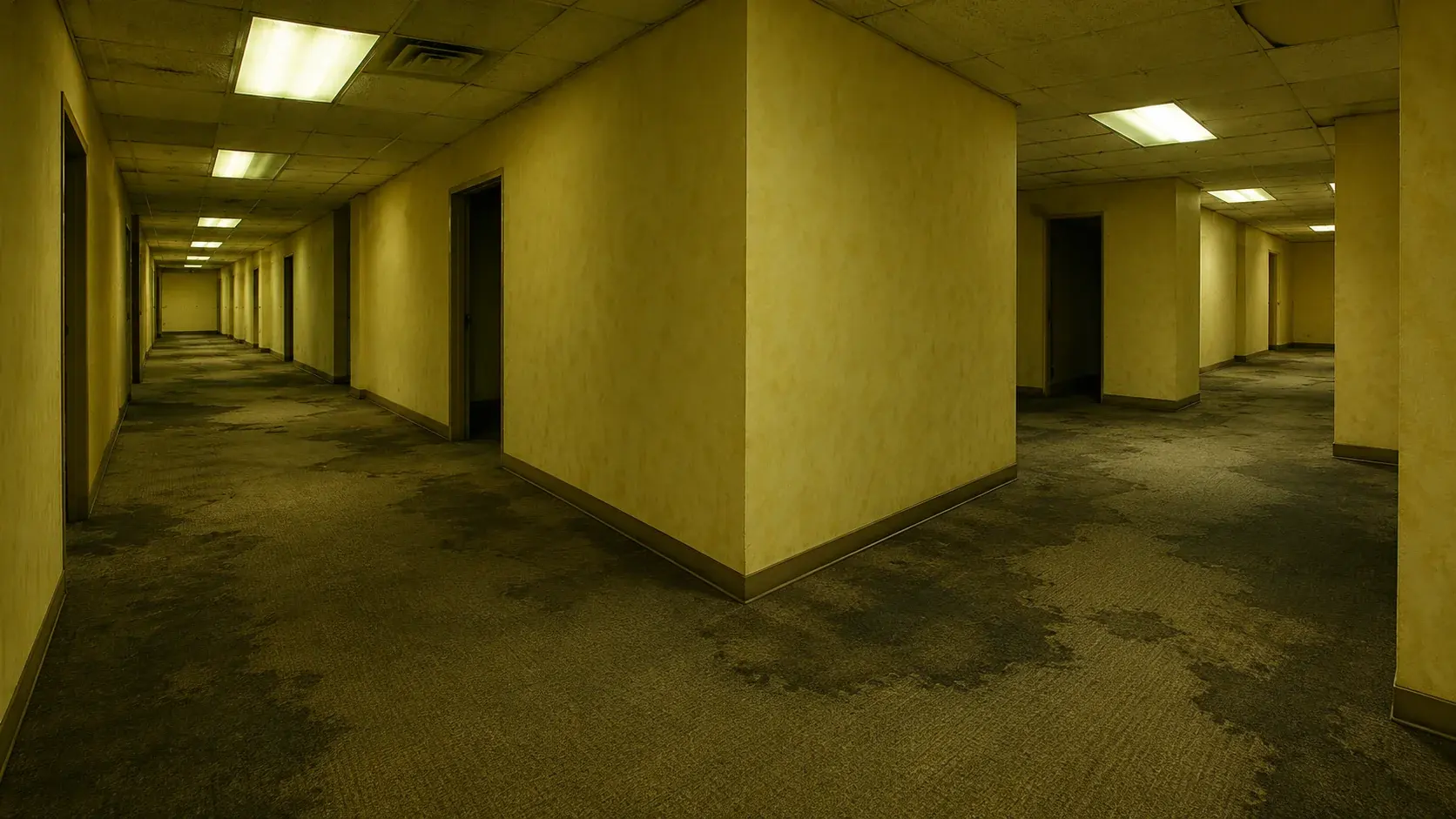
Image to video
Backrooms AI Video Generator
Turn a still frame or scene description into a tense liminal-corridor clip with fluorescent light and a slow push-in.
Best for: Liminal horror clips
Prompt pack
Halloween AI Prompts
Copy five tested prompt recipes for selfies, costumes, pets, couples and short videos, then open them in the generator.
Best for: Prompt-led creation
A working page, not a gallery
Every look includes a visible prompt, a sample image and a direct path into the generator. Check the credit cost before you run.
Questions before you start
Can I keep my own face in the result?
Yes. The preset prompt asks the model to preserve facial identity, proportions and skin tone. Face consistency still depends on the uploaded photo and the selected model, so inspect the result before sharing it.
What kind of photo works best?
Use a sharp, front-facing photo that you own or have permission to use. Avoid heavy beauty filters, sunglasses, cropped eyes and crowded group shots unless the look specifically calls for them.
Can I edit the prompt before generating?
Yes. Copy the prompt or open the generator with it filled in, then change the clothing, background or lighting. Keep the identity-preservation clauses if you want the person to remain recognizable.
Halloween 2026
AI Halloween Costume and Video Generator
Upload only images you have permission to use. AI output may contain artifacts and should be reviewed before publishing. This page is not affiliated with any film, game, costume brand or model provider.