Image to video
Halloween AI Video Generator
Animate a Halloween portrait or describe a spooky scene for a short social video with controlled camera motion.
Best for: Short social clipsWan 2.6 via KIE
Upload only images you have permission to use. AI output may contain artifacts and should be reviewed before publishing. This page is not affiliated with any film, game, costume brand or model provider.
How to use this look
- 01
Upload your photo
Use a clear, front-facing photo you have permission to use. Leave room around the face and keep the original colors visible.
- 02
Start from the preset
The button opens the generator with this style and prompt already selected. You can edit either one before generating.
- 03
Generate, inspect, refine
Start with one image or a short video. Check the face, hands, clothing and background, then change only the part that needs work.
Tested prompt
The prompt is written in English because current image models follow it more reliably. Adjust the details to match your photo.
Tested prompt
The prompt is written in English because current image models follow it more reliably. Adjust the details to match your photo.
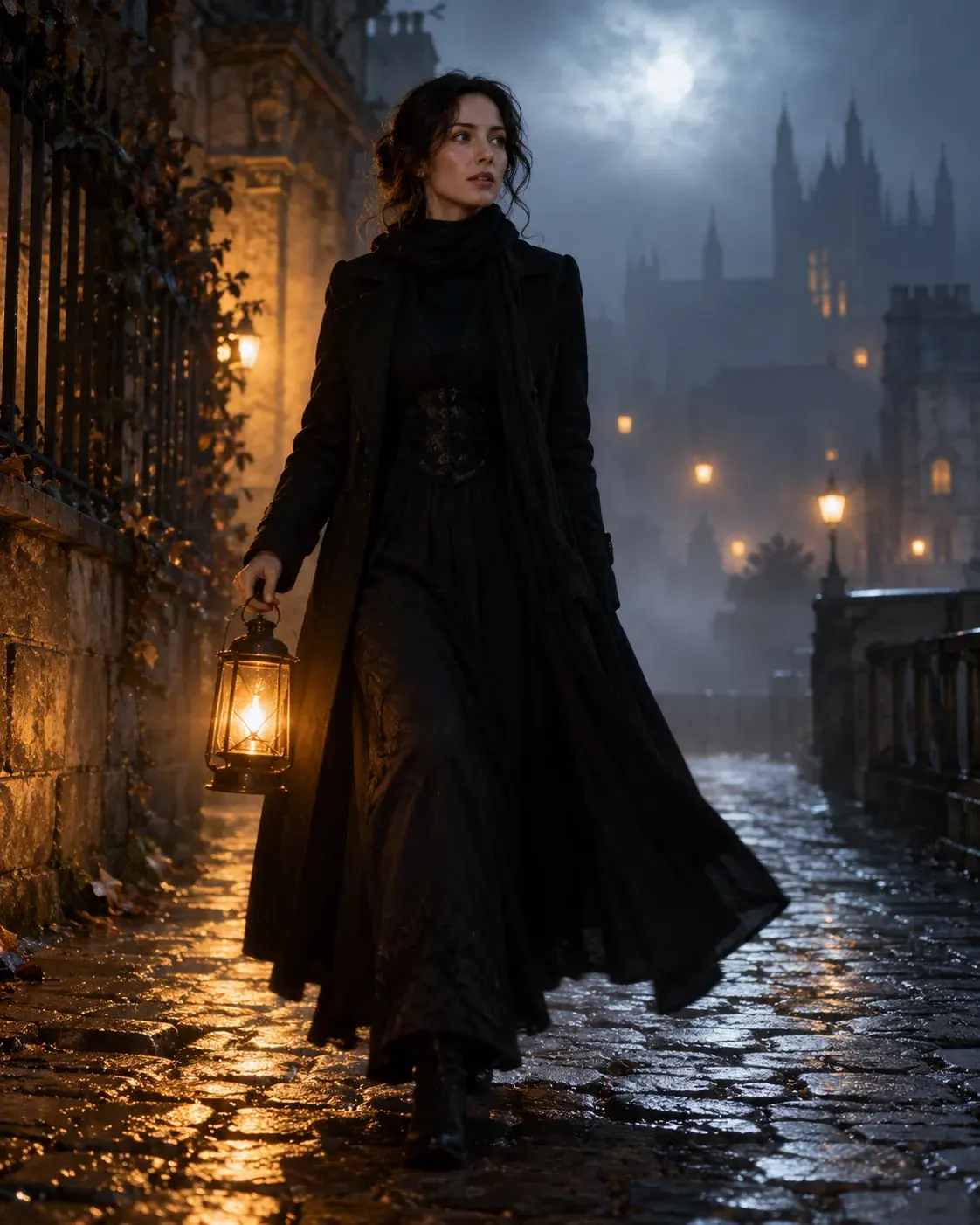
Use the uploaded image as the exact visual reference and starting composition. Create a continuous five-second cinematic Halloween portrait animation. Keep the subject recognizable face, costume, hairstyle and body proportions consistent with the reference. The subject slowly turns their head toward the camera with a subtle mysterious expression. A gentle breeze moves loose hair strands and the edges of the clothing. Soft fog drifts through the moonlit street. The camera performs a slow and smooth push-in with stable framing. Maintain realistic motion, stable anatomy and consistent lighting. Do not change the person identity, replace the costume, add characters or introduce sudden scene cuts. No text and no watermarks.
Try another look
Backrooms AI Video Generator
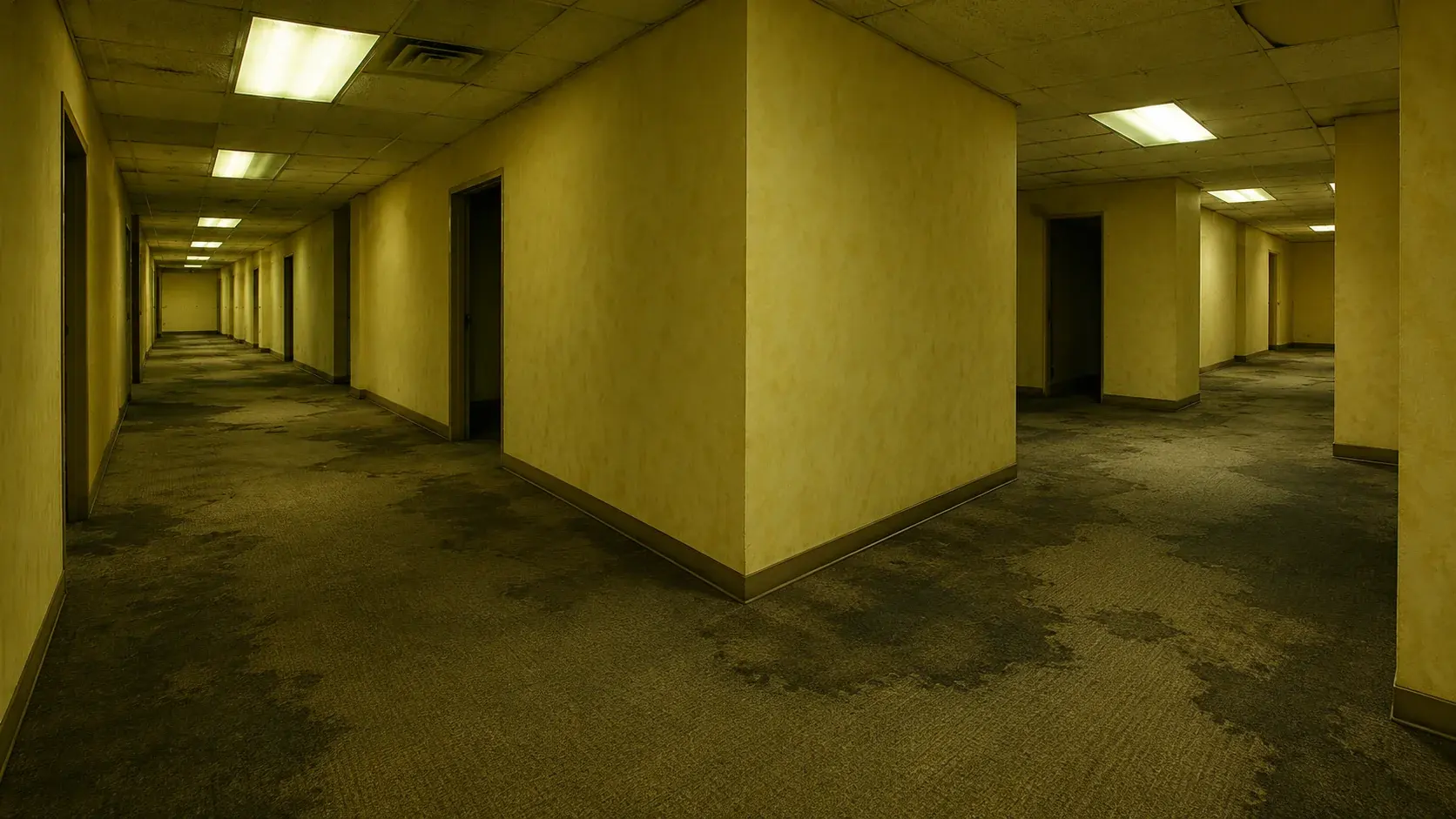
Turn a still frame or scene description into a tense liminal-corridor clip with fluorescent light and a slow push-in.
Haunted Portrait Generator
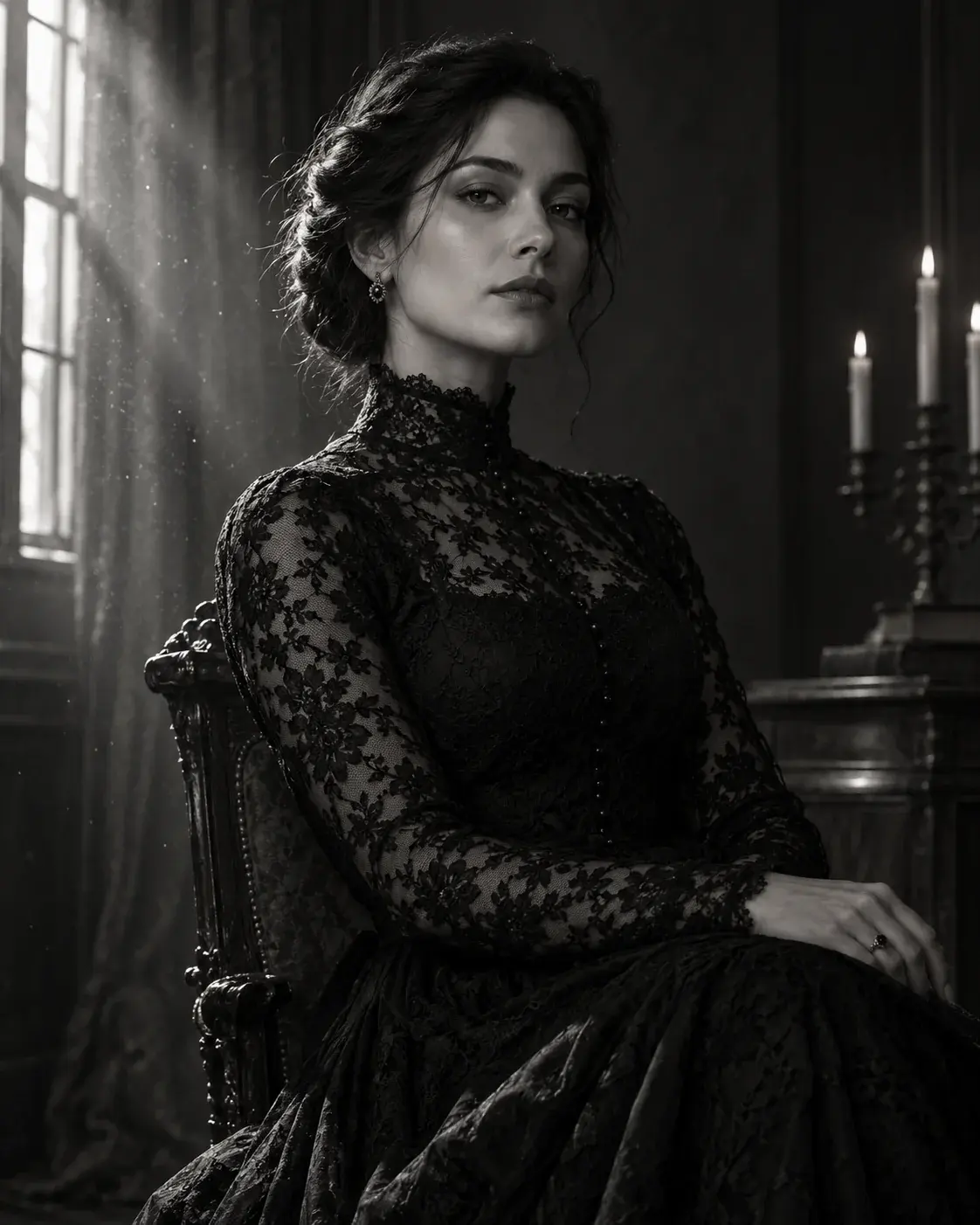
Create a cinematic gothic portrait with soft fog, antique styling and dramatic light while preserving the subject.
Halloween AI Prompts
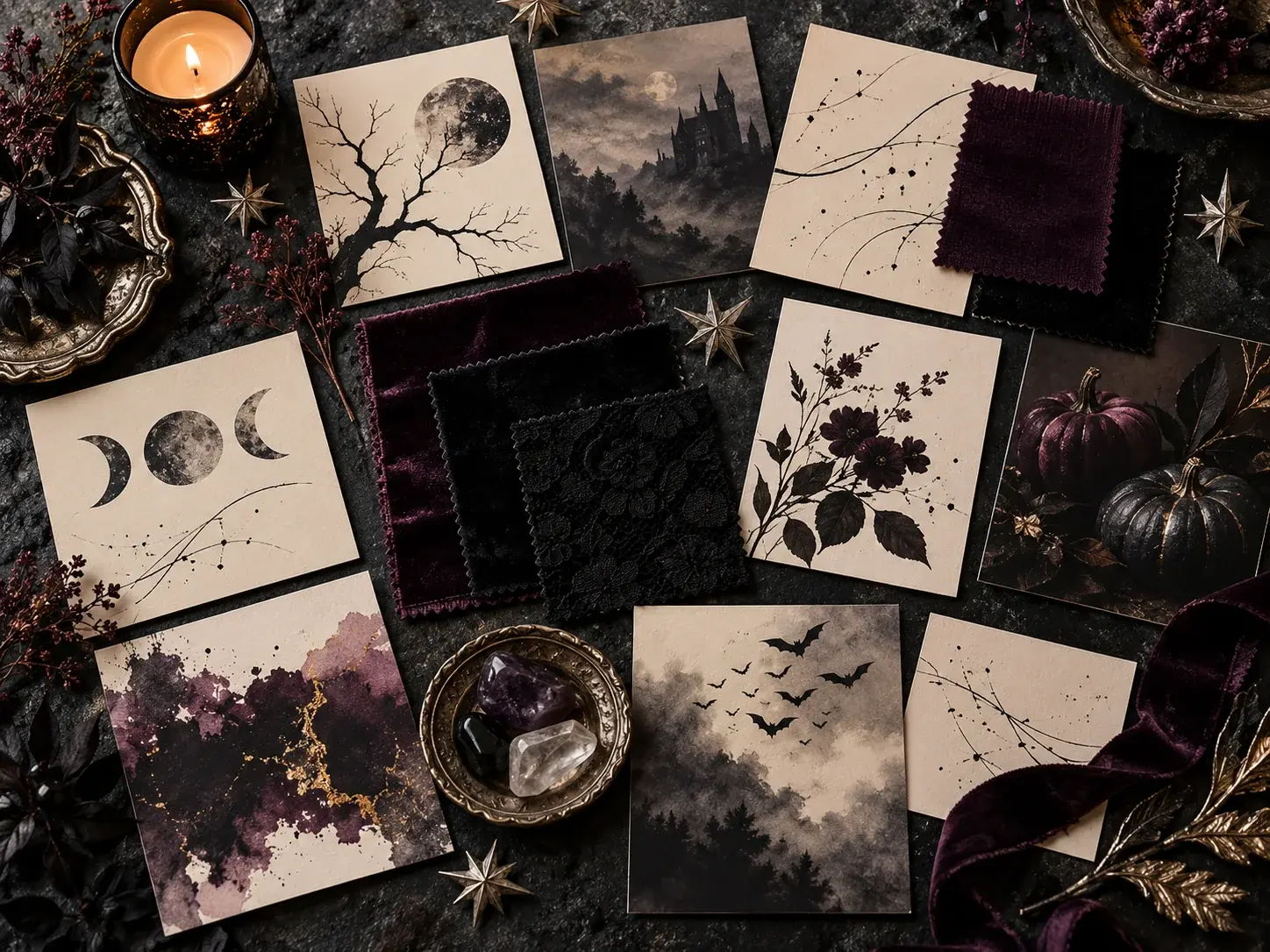
Copy five tested prompt recipes for selfies, costumes, pets, couples and short videos, then open them in the generator.
Questions before you start
Do I need to upload an image first?
For image-to-video, start with a clear still portrait or scene. The uploaded image becomes the visual reference and first frame, so a clean composition gives the model less room to drift.
How long should the first test be?
Start with one short clip and simple motion: a small head turn, drifting fog or a slow camera push. Review the face and background before spending credits on a longer or more complex version.
Why does the prompt ask for stable anatomy?
Generated motion can distort hands, faces and background details. The prompt explicitly asks for stable anatomy, consistent lighting and no scene cuts so the model has a narrow target.
Halloween 2026
AI Halloween Costume and Video Generator
Upload only images you have permission to use. AI output may contain artifacts and should be reviewed before publishing. This page is not affiliated with any film, game, costume brand or model provider.