Image edit
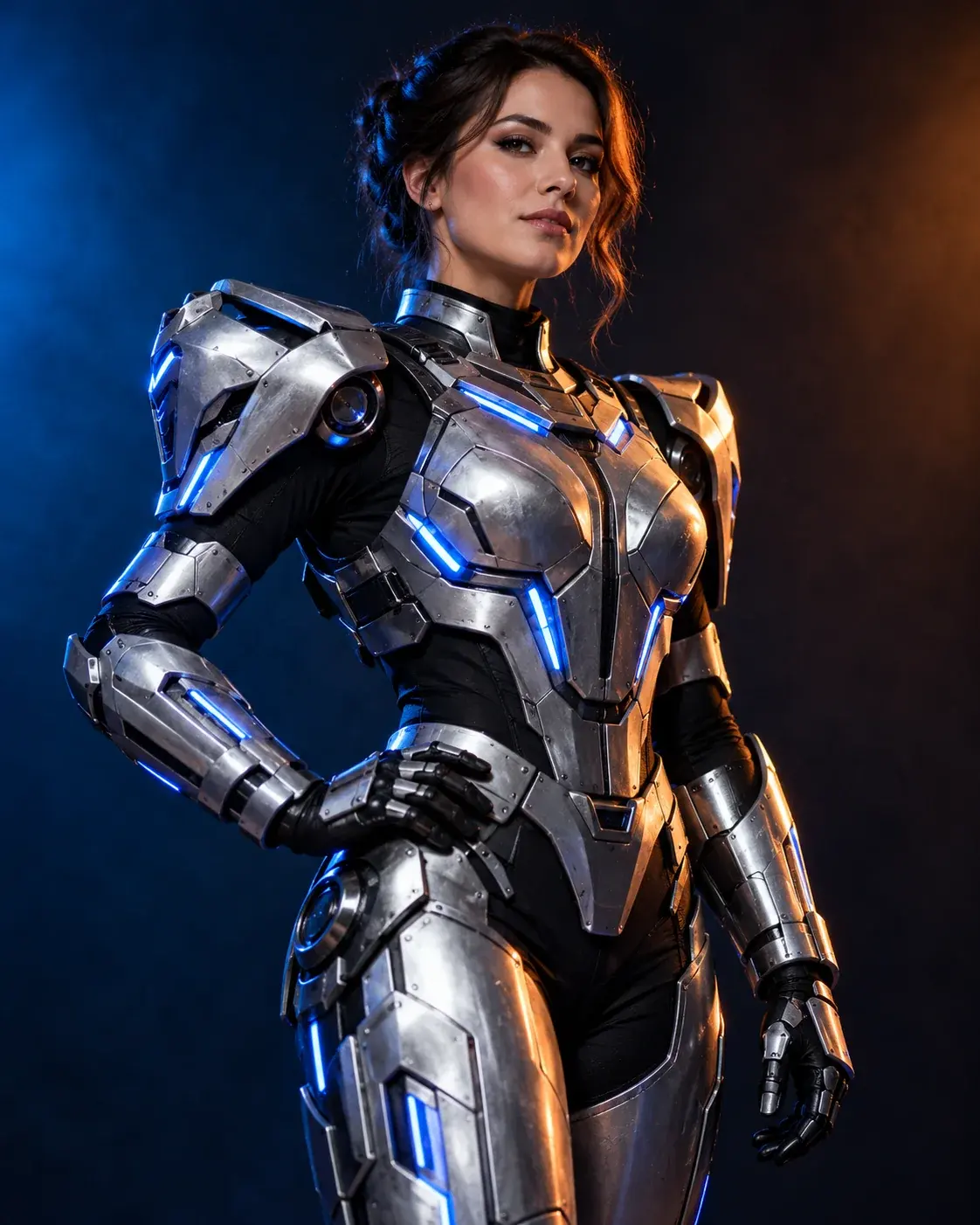
Halloween Robot Costume Generator
Preview a wearable silver robot costume with LED accents and cinematic studio light while keeping the human face visible.
Best for: Sci-fi costume editsSeedream 4.5 Edit via KIE
Upload only images you have permission to use. AI output may contain artifacts and should be reviewed before publishing. This page is not affiliated with any film, game, costume brand or model provider.
How to use this look
- 01
Upload your photo
Use a clear, front-facing photo you have permission to use. Leave room around the face and keep the original colors visible.
- 02
Start from the preset
The button opens the generator with this style and prompt already selected. You can edit either one before generating.
- 03
Generate, inspect, refine
Start with one image or a short video. Check the face, hands, clothing and background, then change only the part that needs work.
Tested prompt
The prompt is written in English because current image models follow it more reliably. Adjust the details to match your photo.
Tested prompt
The prompt is written in English because current image models follow it more reliably. Adjust the details to match your photo.
Using the uploaded photo as reference, transform the subject into an original futuristic Halloween robot costume portrait. Preserve the subject recognizable face, skin tone, head proportions and original pose. Create a believable wearable robot costume featuring metallic-looking armor panels, subtle blue LED accents and articulated shoulder pieces. Keep the face human and clearly visible. The outfit should look like a costume worn by a real person, not a completely new mechanical character. Use dramatic blue-and-orange cinematic studio lighting and realistic material reflections. Avoid replacing the face with a robot head, extra limbs, distorted hands, duplicated body parts, logos, text and watermarks.
Try another look
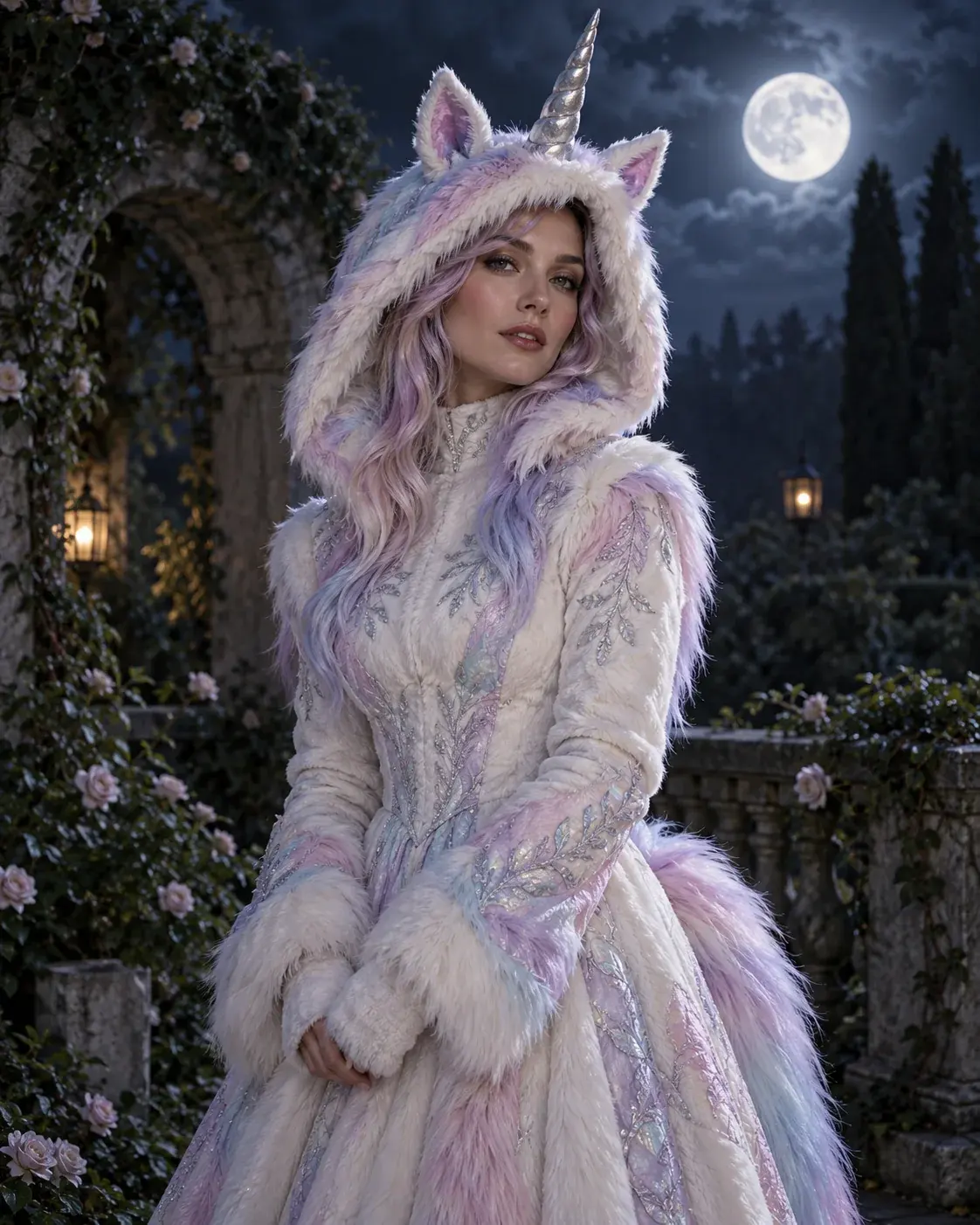
Buddy the Unicorn Costume Generator
Make an original haunted-unicorn mascot look from a selfie, with pastel fur, a silver horn and a moonlit garden.
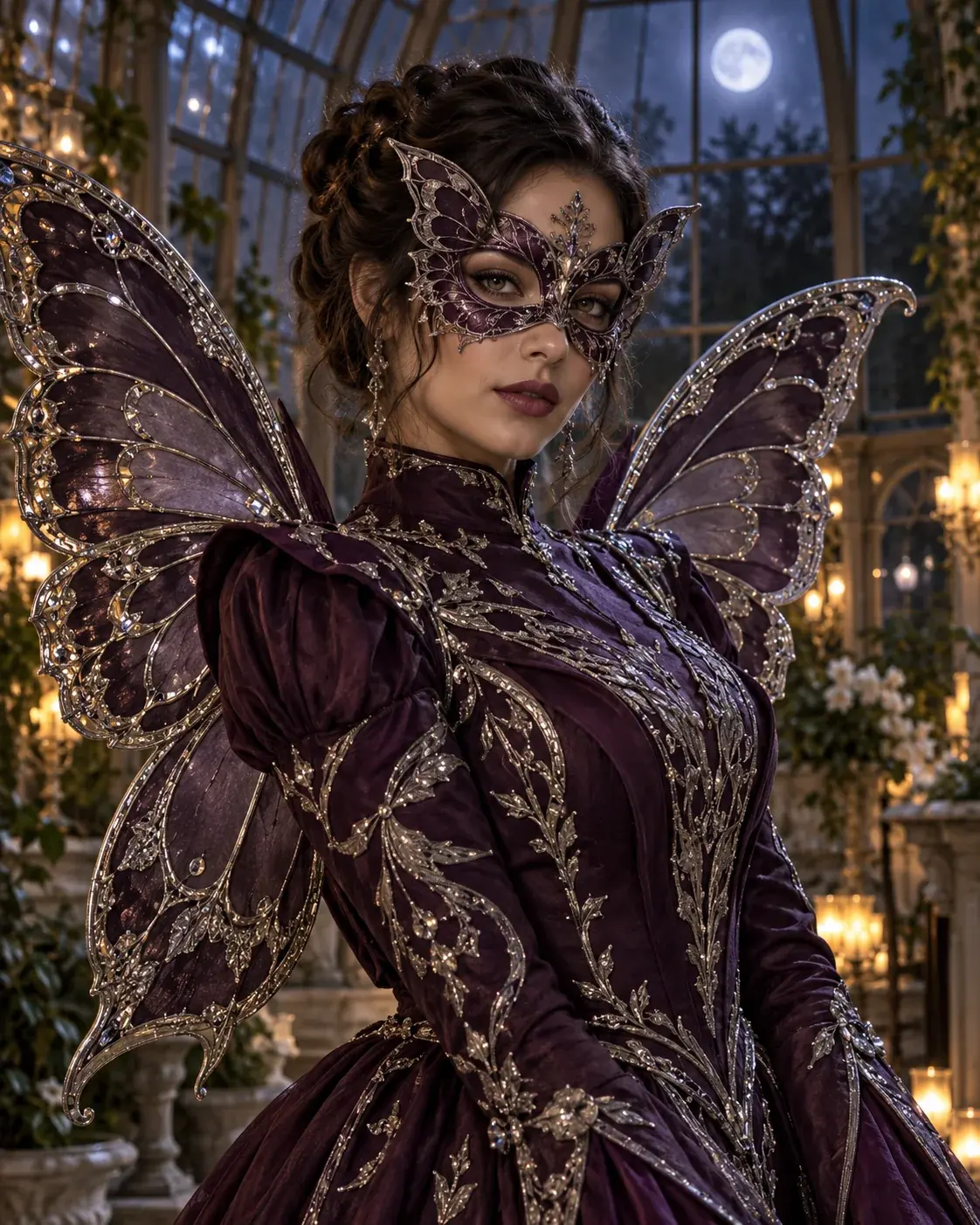
AI Halloween Costume Generator
Upload a selfie and create an original costume portrait, while keeping the face recognizable and the outfit believable.
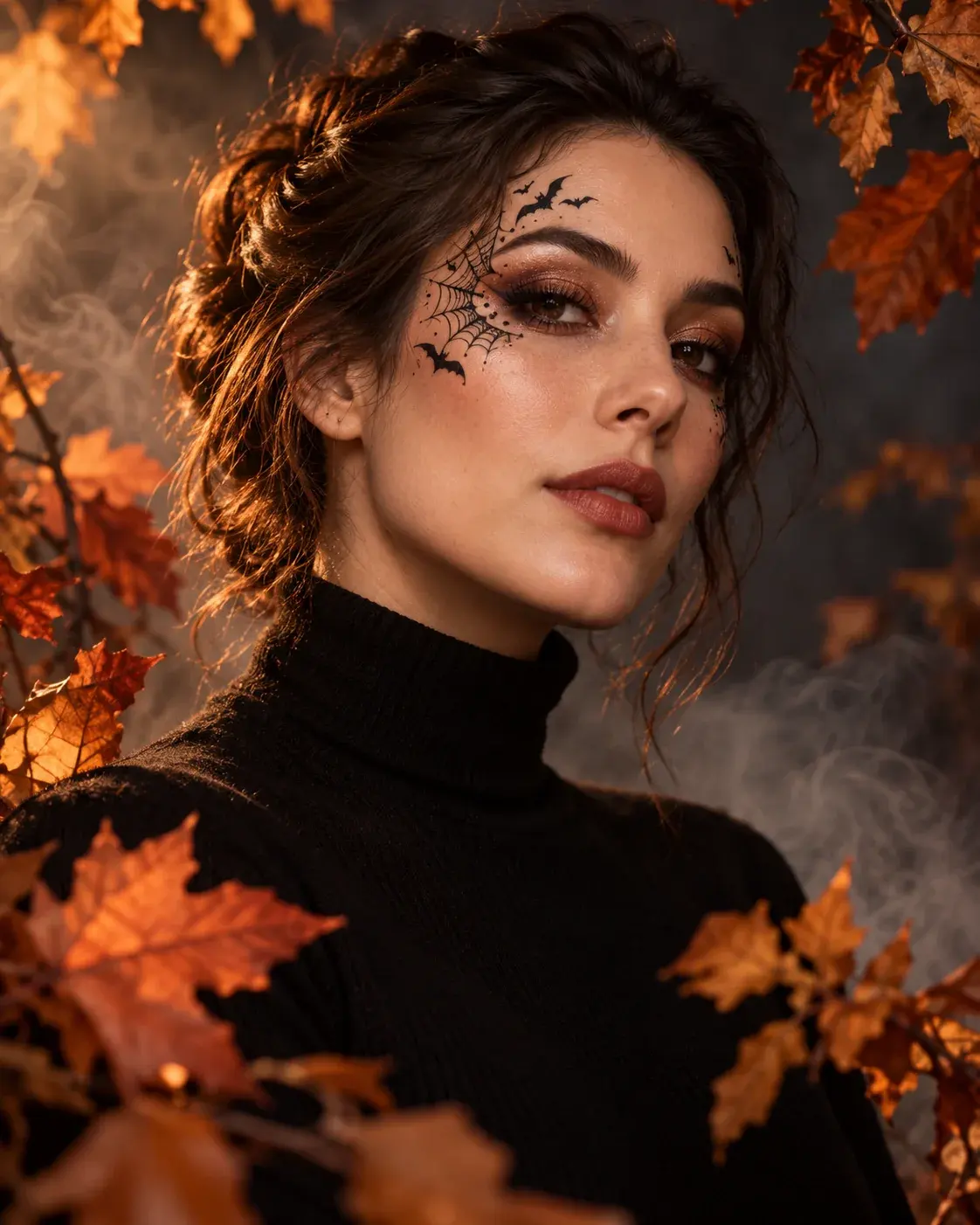
Halloween Photo Editor
Add polished Halloween makeup, atmosphere and lighting to an existing portrait without changing the person you uploaded.
Questions before you start
Can I keep my own face in the result?
Yes. The preset prompt asks the model to preserve facial identity, proportions and skin tone. Face consistency still depends on the uploaded photo and the selected model, so inspect the result before sharing it.
What kind of photo works best?
Use a sharp, front-facing photo that you own or have permission to use. Avoid heavy beauty filters, sunglasses, cropped eyes and crowded group shots unless the look specifically calls for them.
Can I edit the prompt before generating?
Yes. Copy the prompt or open the generator with it filled in, then change the clothing, background or lighting. Keep the identity-preservation clauses if you want the person to remain recognizable.
Halloween 2026
AI Halloween Costume and Video Generator
Upload only images you have permission to use. AI output may contain artifacts and should be reviewed before publishing. This page is not affiliated with any film, game, costume brand or model provider.